
 01
01Change the labels
Correct names, update a process step, or translate the text inside a node.
IMAGE TO DIAGRAM
Bring a screenshot, a whiteboard photo, or a diagram with a missing source file. Start a diagram draft you can return to and refine.
RECOVER THE STRUCTURE
Our goal is to recover the shapes, labels, and relationships inside your diagram so you can keep editing its structure.
Editable labels
Individual shapes
Connected nodes
BUILT FOR DIAGRAMS
Edit shapes, labels, and connections in the diagram editor, with the original image nearby as a reference.
01Correct names, update a process step, or translate the text inside a node.
 02
02Change a branch or reconnect an arrow while keeping the flow understandable.
 03
03Keep the source arrangement as a guide or organize the diagram with consistent spacing.
Start with one image and tell us what matters in it.
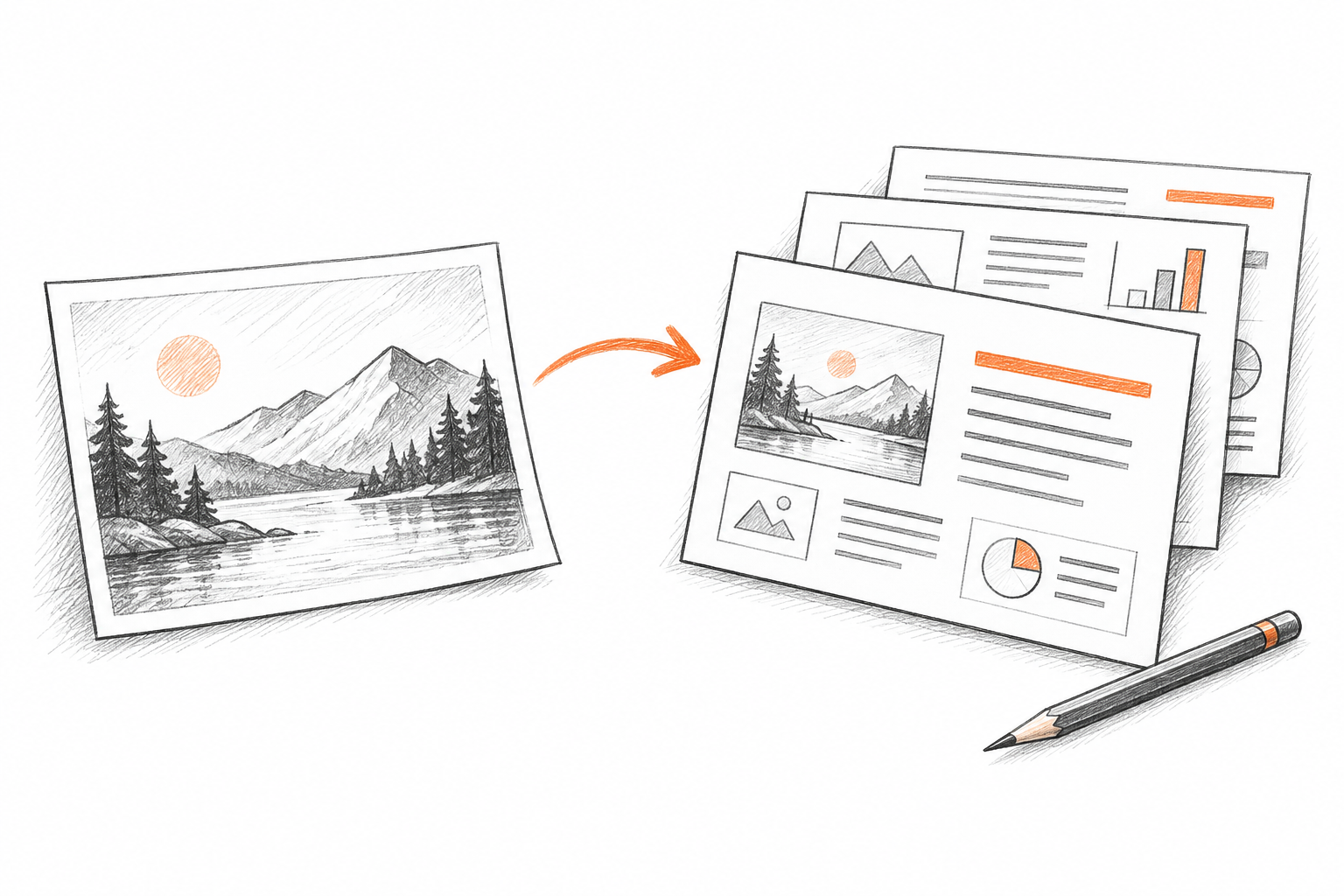
Upload a PNG, JPG, or WebP screenshot or photo with clear shapes and readable labels.
Add a short instruction and choose whether to keep the layout or organize it.
Start a blank canvas or open a draw.io file, edit it beside your source image, and save or download it. Image conversion is coming soon.
A SECOND LIFE FOR YOUR DIAGRAMS
We are focusing first on clear diagrams made of shapes, labels, and connections.
Recover a workflow from an old screenshot and prepare it for updated steps or decisions.
Bring a static system diagram back into a workflow where components and relationships can change.
Start from a shared chart and prepare changes to names, roles, and reporting lines.
Save the structure from a meeting photo so it can become a clearer diagram.
START WITH A CLEAR IMAGE
Use readable labels and a high-resolution image
Keep complete shapes and arrowheads in the frame
Choose one diagram per image
Avoid glare, blur, and overlapping lines
DESIGNED FOR YOUR NEXT STEP
Edit in the draw.io canvas and download an editable source file. More sharing formats are coming next.
Download an editable source file with shapes, labels, and connections.
Planned exports for websites, documents, and sharing.
Planned document export for review and handoff.
The upload and editing workflow is ready. Image conversion is coming next.
START WITH YOUR IMAGE
Choose a source image and save the instructions for its next conversion.
Local drafts · conversion coming next