Start from the hand-drawn structure
Recover the shapes and connections already present in your hand-drawn sketch.
Turn a hand-drawn diagram into a digital draft, then review labels and connections before sharing.
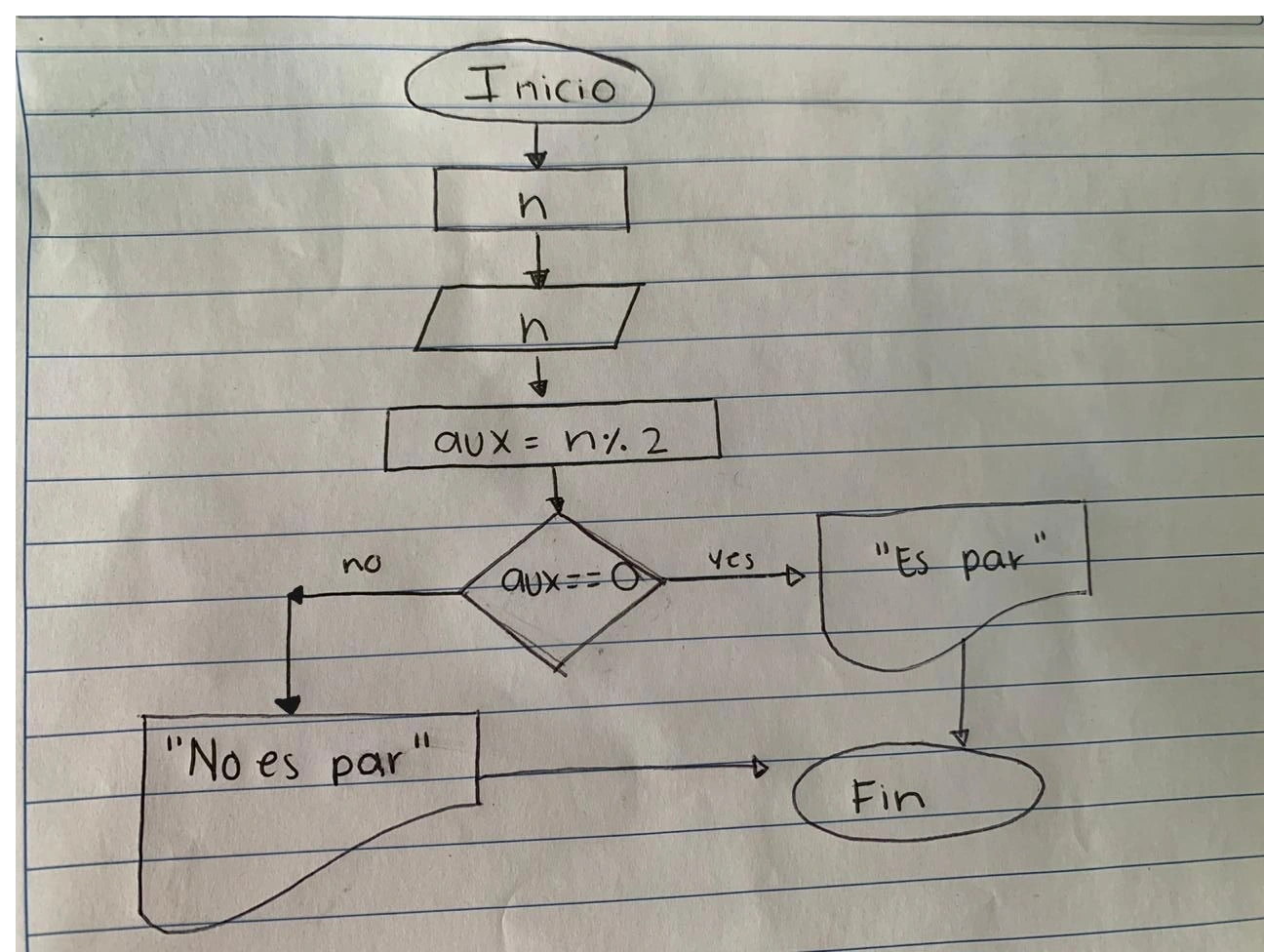
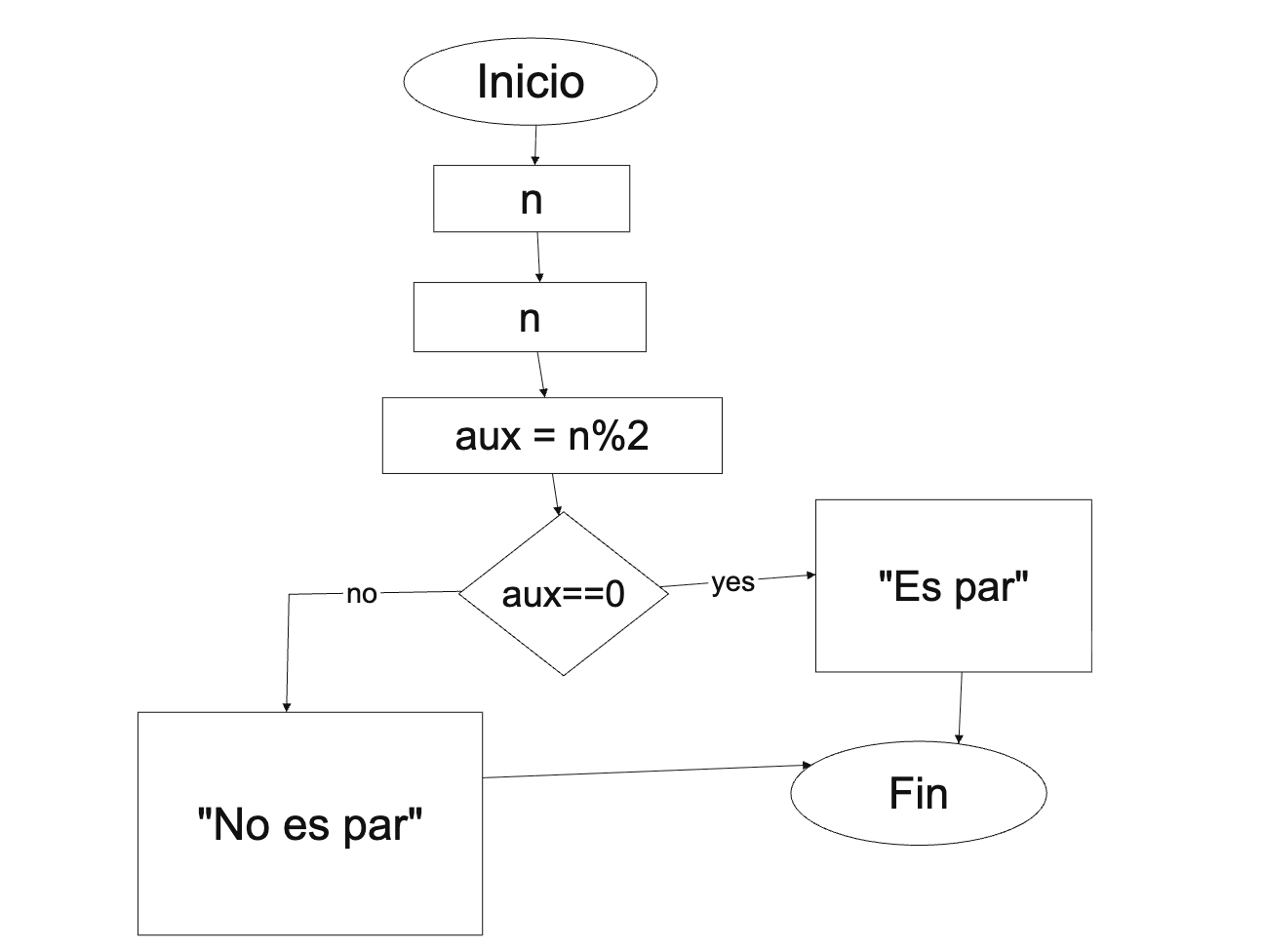
THE NEXT VERSION
A hand-drawn diagram captures an idea quickly.
A digital version makes the next change easier to explain.
Inspect the recovered shapes beside your drawing.
Correct uncertain handwriting before sharing the digital result.
Recover the shapes and connections already present in your hand-drawn sketch.
Review handwriting and turn uncertain words into clear typed labels.
Keep a digital source for editing or export a visual to share.
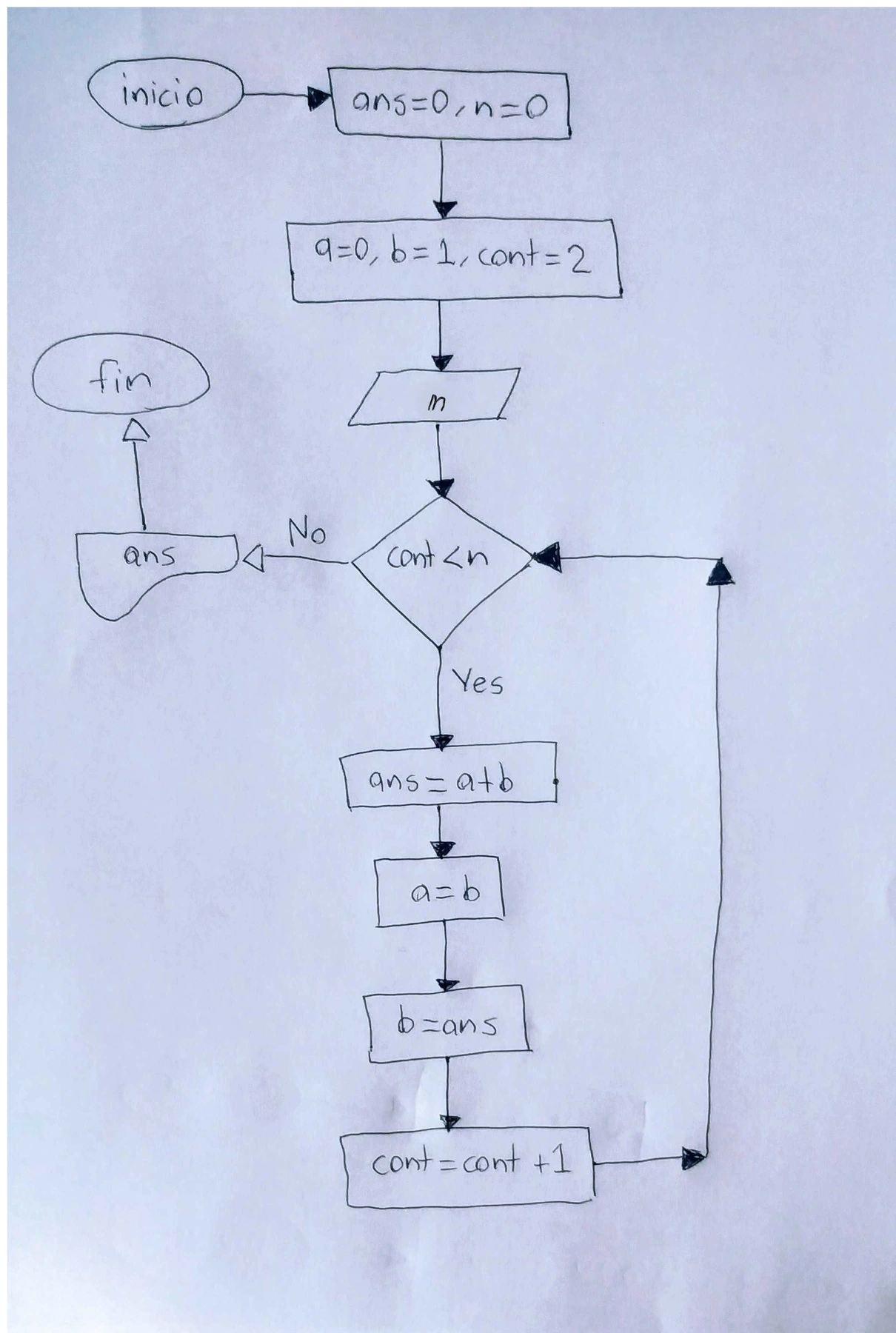
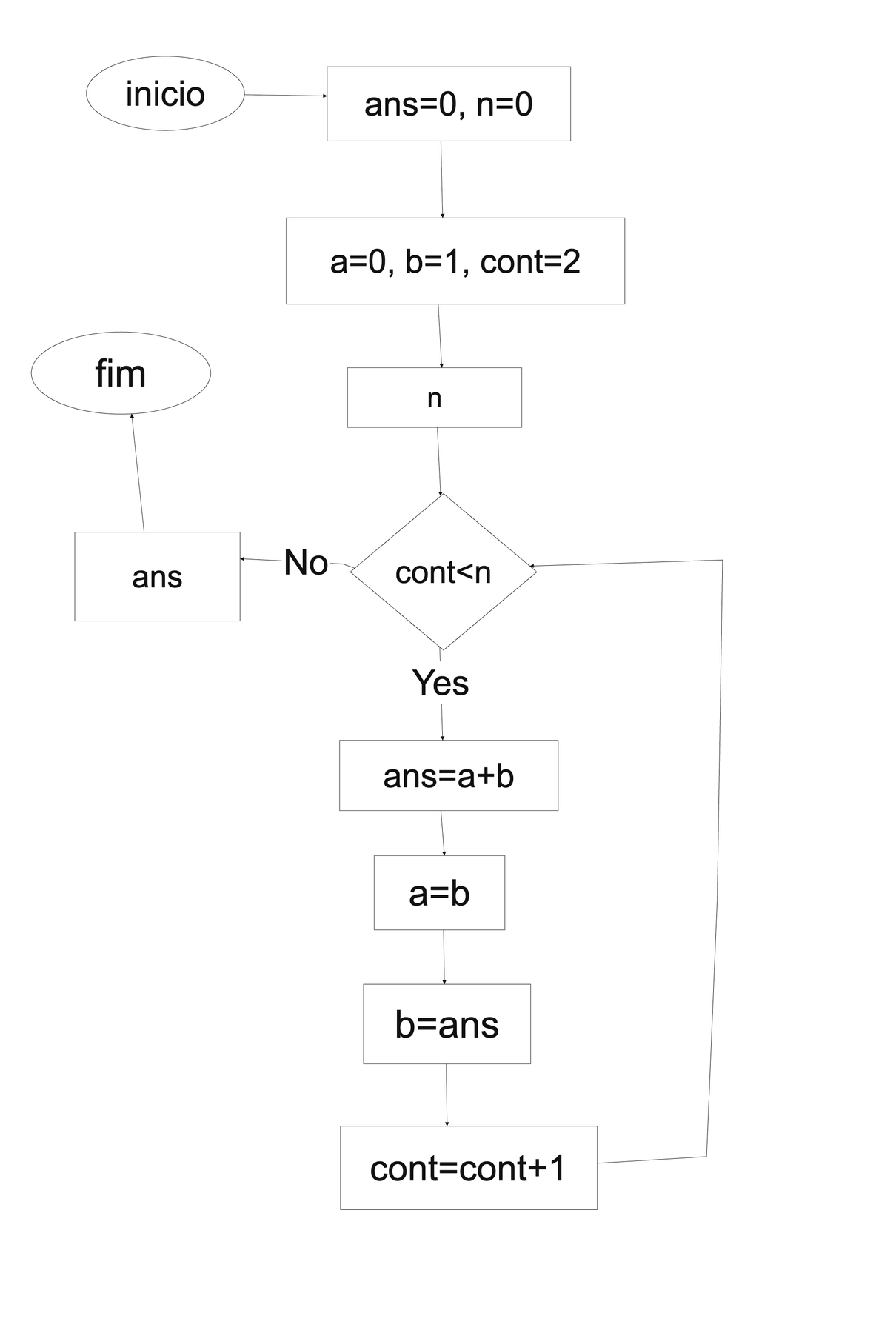
Recover a hand-drawn flowchart with an input, a decision, and a return path.
Compare the flowchart labels and image arrows before revising the calculation steps.
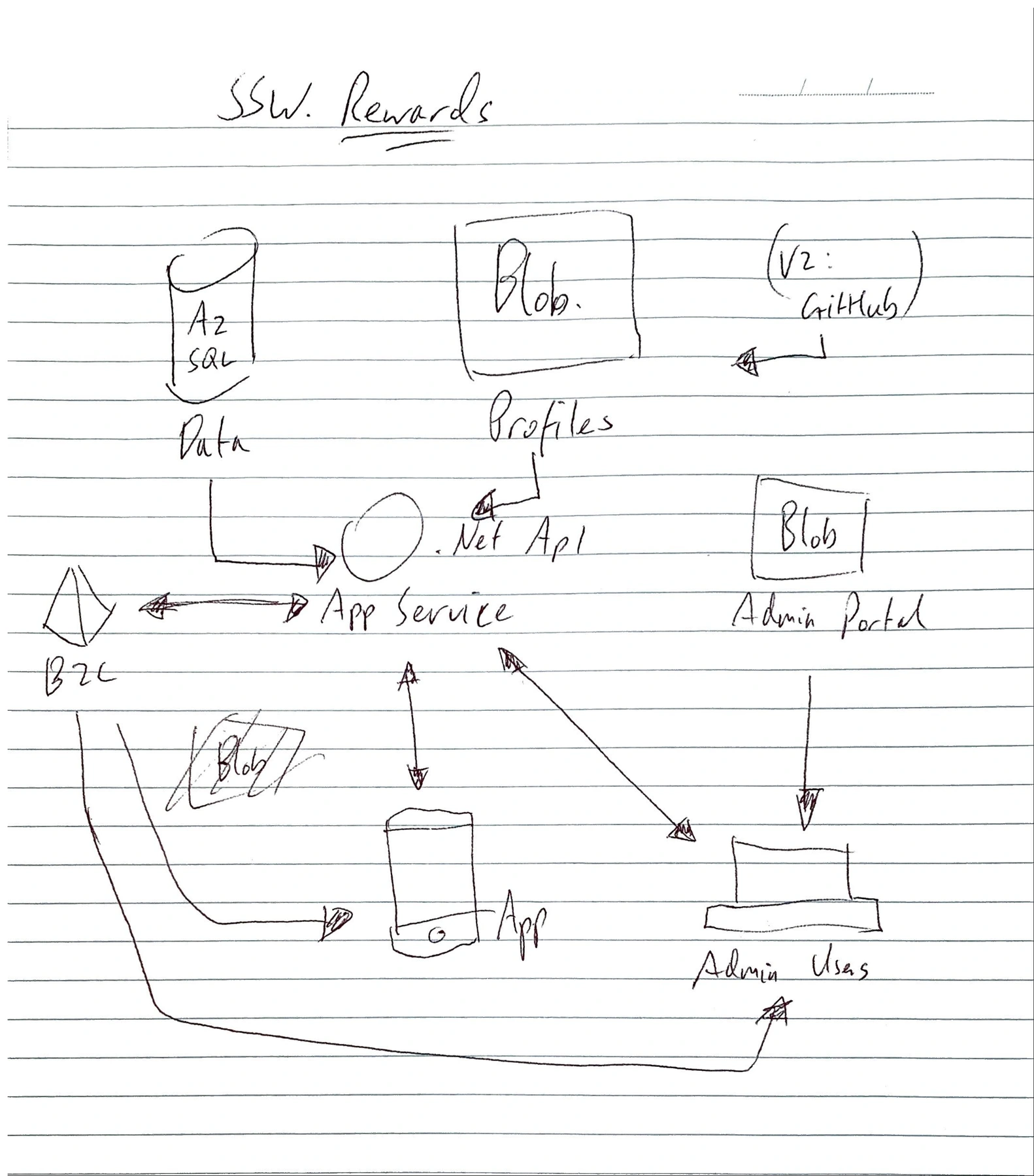
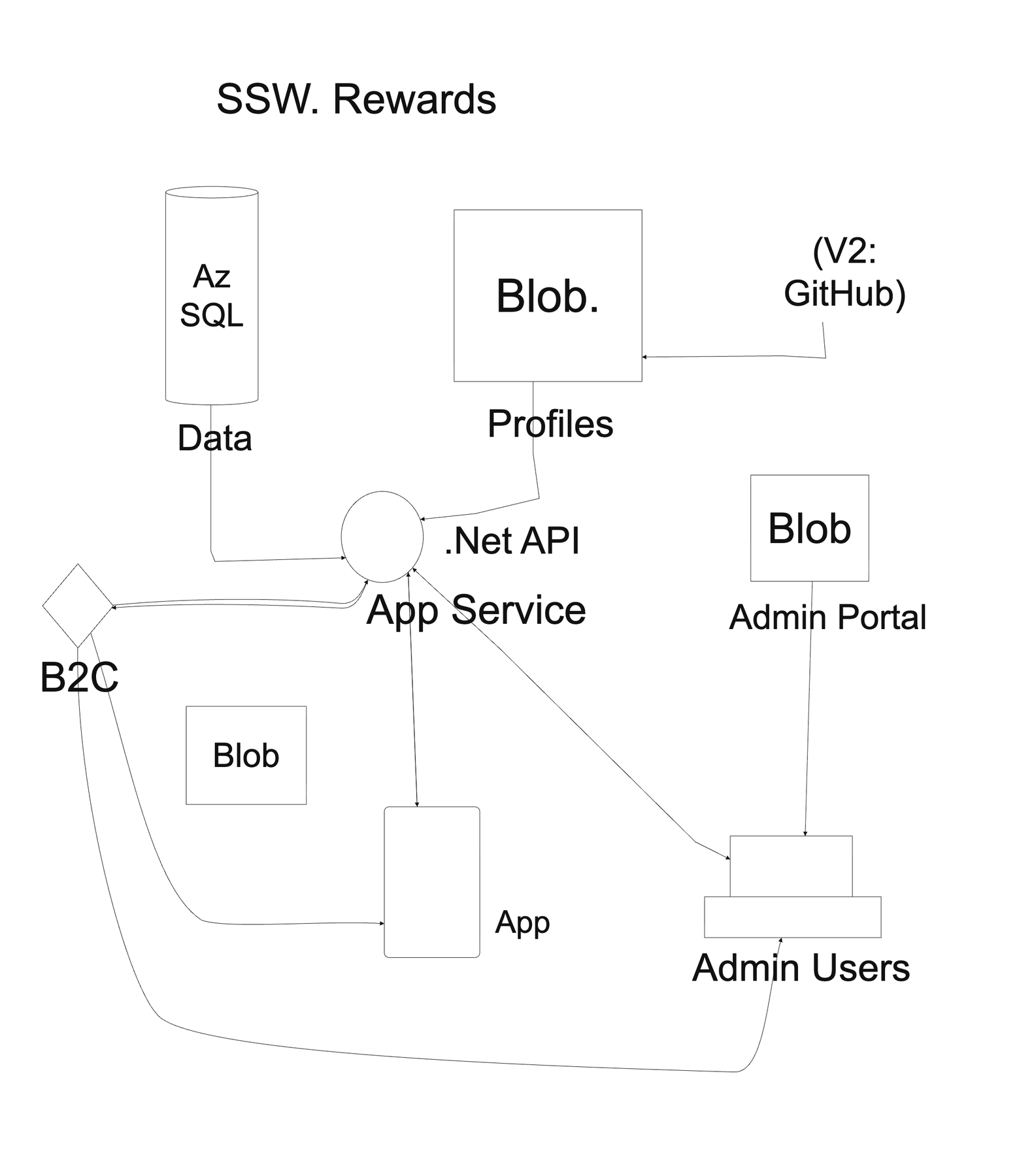
Turn a hand-drawn system sketch into a digital diagram.
Review the diagram labels against the image before preparing a clearer architecture explanation.
HOW IT WORKS
Use drawings with distinct shapes, readable labels, and clear connections.
This is a diagram converter, not an illustration tracer.
Faint pencil marks, overlapping notes, and ambiguous arrows may need manual cleanup.
CHOOSE WHAT TO KEEP
The converter focuses on diagram structure.
A digital diagram does not preserve every pen stroke.
Some drawn details need your interpretation.
| Diagram detail | Hand-drawn source | Digital draft |
|---|---|---|
| Handwriting | Drawn letters carry the original wording. | Review recognized text and correct uncertain words. |
| Shapes | Boxes and circles are drawn by hand. | Resize and move digital shapes to improve readability. |
| Connections | Drawn arrows may be faint or ambiguous. | Confirm direction and endpoints against the original diagram. |
| Appearance | The hand-drawn page retains pen texture. | The digital draft uses clean shapes rather than tracing the artwork. |
FROM DRAWN IDEA TO DIGITAL DOCUMENT
Use the hand-drawn diagram as the source of meaning.
The digital version is a draft to refine, not a reason to discard the original drawing before checking it.
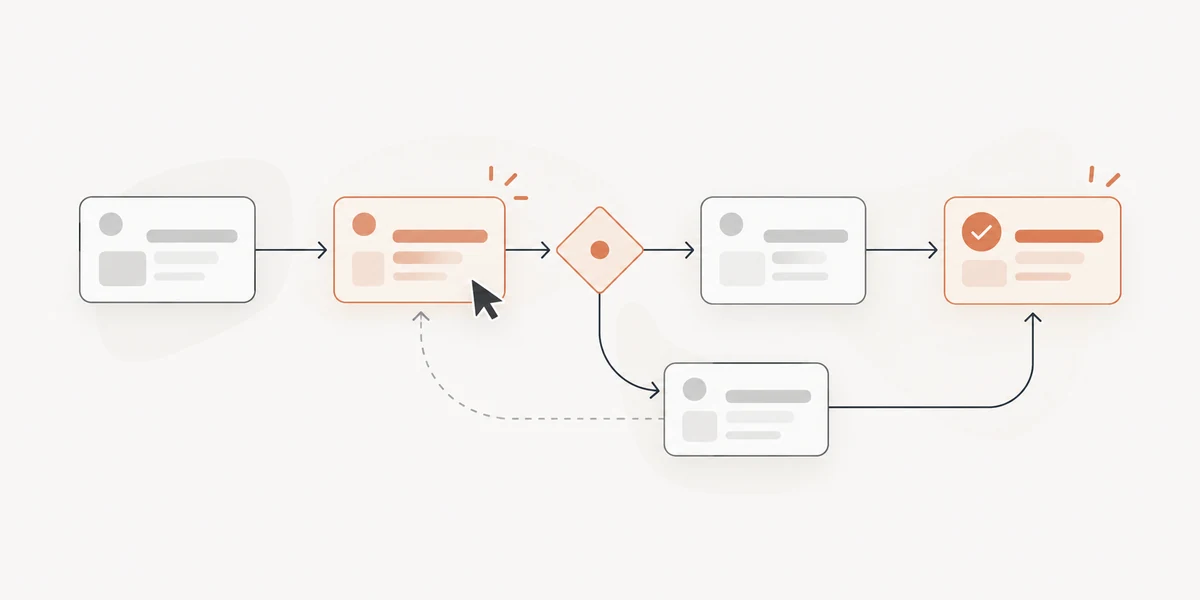
Your notebook holds a hand-drawn diagram from a recent planning session.
Share a readable digital diagram with an editable source.
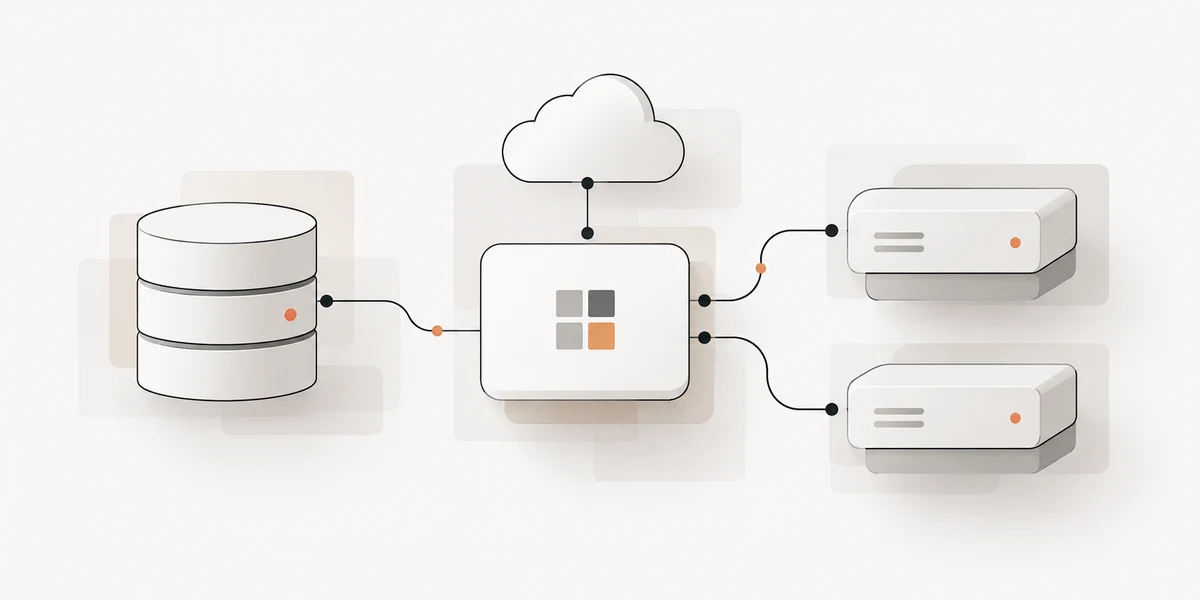
Take a hand-drawn diagram from paper to a digital teaching visual.
Reuse the digital diagram when the lesson changes.

A quick diagram drawn by hand shows how components relate.
Keep the hand-drawn reference alongside your digital revision.
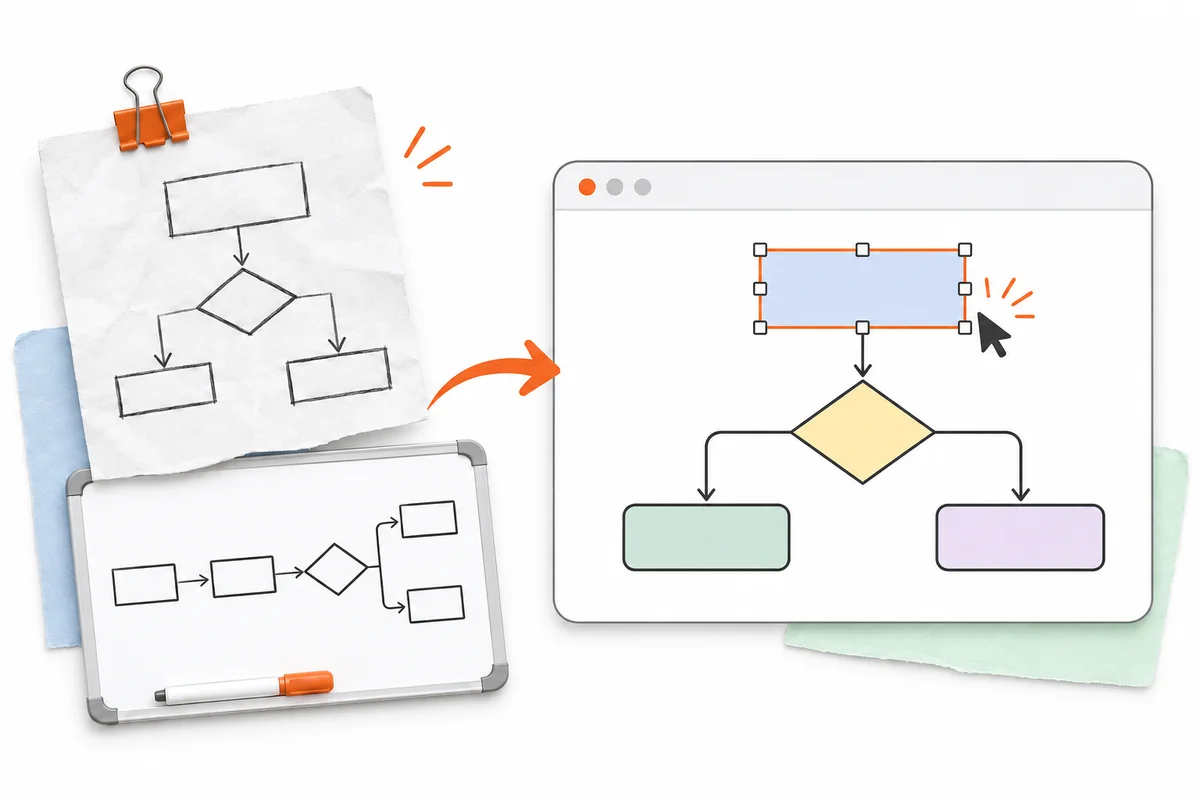
A QUICK DRAWN-TO-DIGITAL CHECK
Make the digital diagram accurate first, then work on spacing.
This keeps a tidy digital layout from hiding a change in the meaning of your hand-drawn sketch.
Compare each digital label with the hand-drawn page.
Short abbreviations and lightly drawn numbers can be easy to misread.
Check whether lines cross or join in the hand-drawn diagram.
Fix the digital connections before exporting your draft.
Keep draw.io for editing the diagram later.
Export a visual when your reader only needs to see the finished digital explanation.
Start with a clear flowchart, system sketch, or org chart. Special symbols may need correction.
The result uses clean shapes and recognized text rather than pen strokes. Keep your drawing as a reference.
Use PNG, JPG, or WebP up to 10 MB each. PDF input is not currently supported.
Yes. Sign in to upload, save, and revisit your diagrams. The editor runs in your browser.
Click Save before leaving. Export draw.io to keep editing, or SVG, PNG, or PDF for sharing.