Recover editable draw.io objects
Recover boxes, labels, and arrows from an image as editable draw.io objects.
Turn a diagram image into an editable draw.io file, ready to review and revise in your browser.
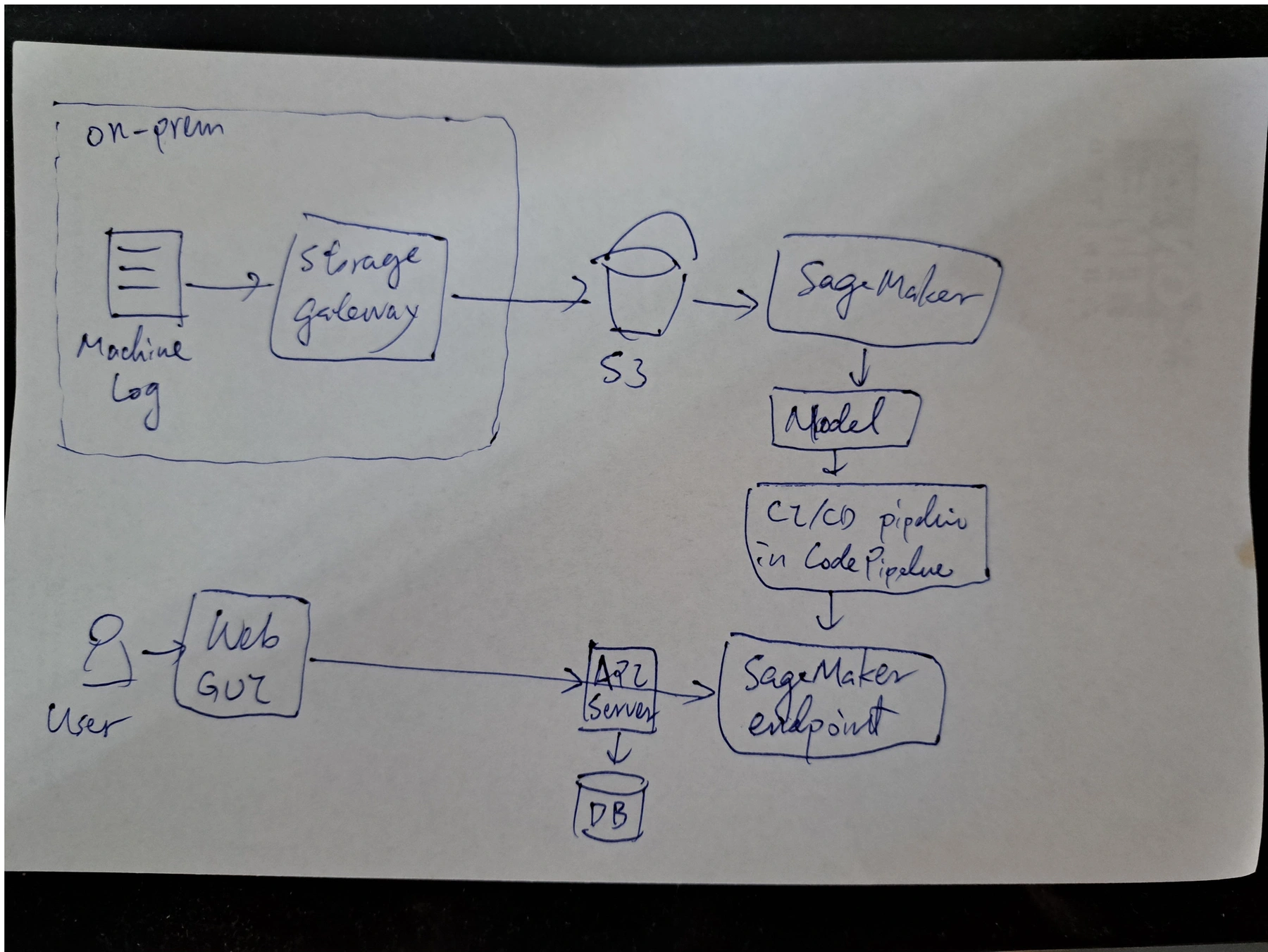
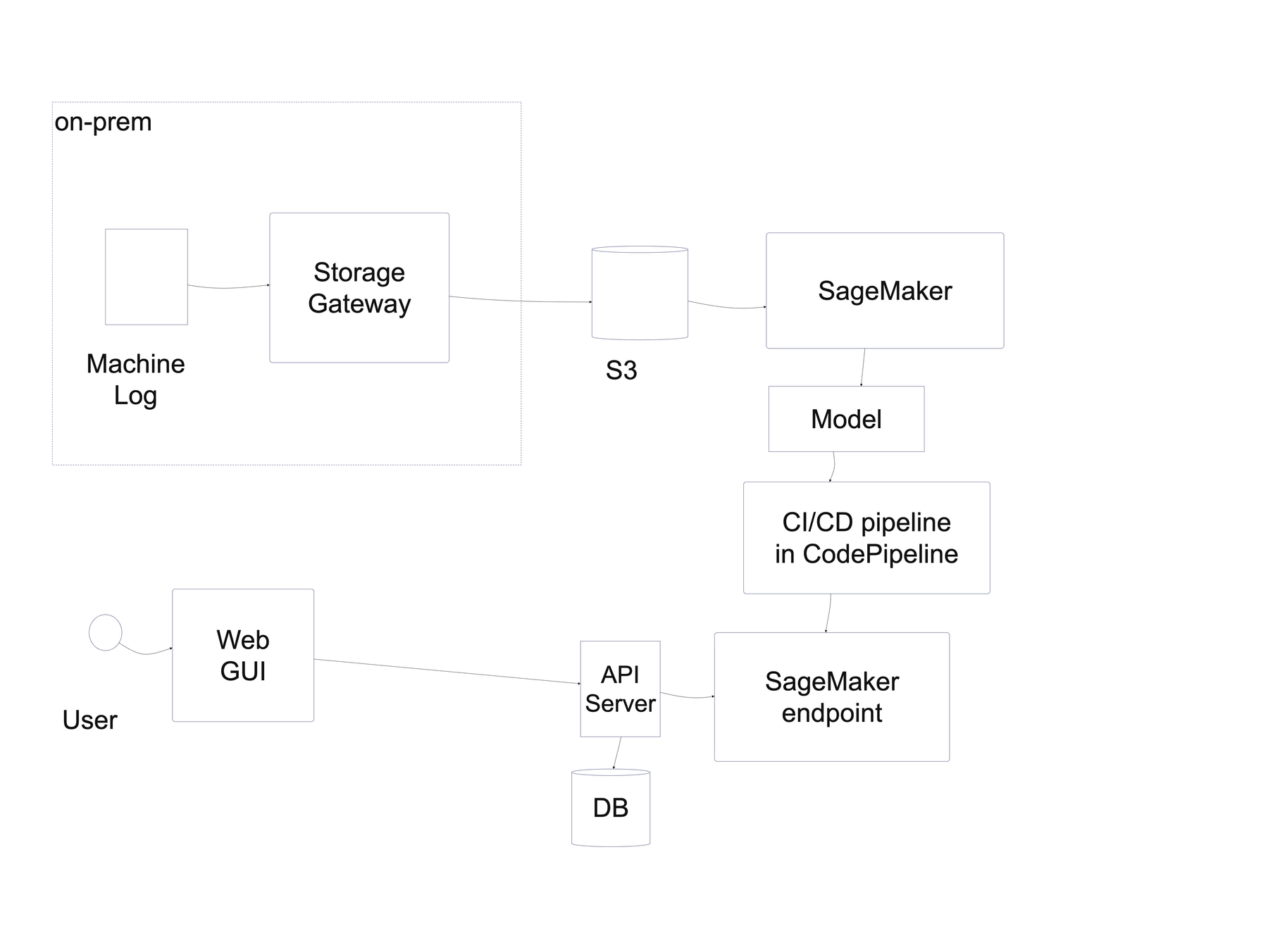
THE NEXT VERSION
A diagram image may explain the system perfectly until one label needs to change.
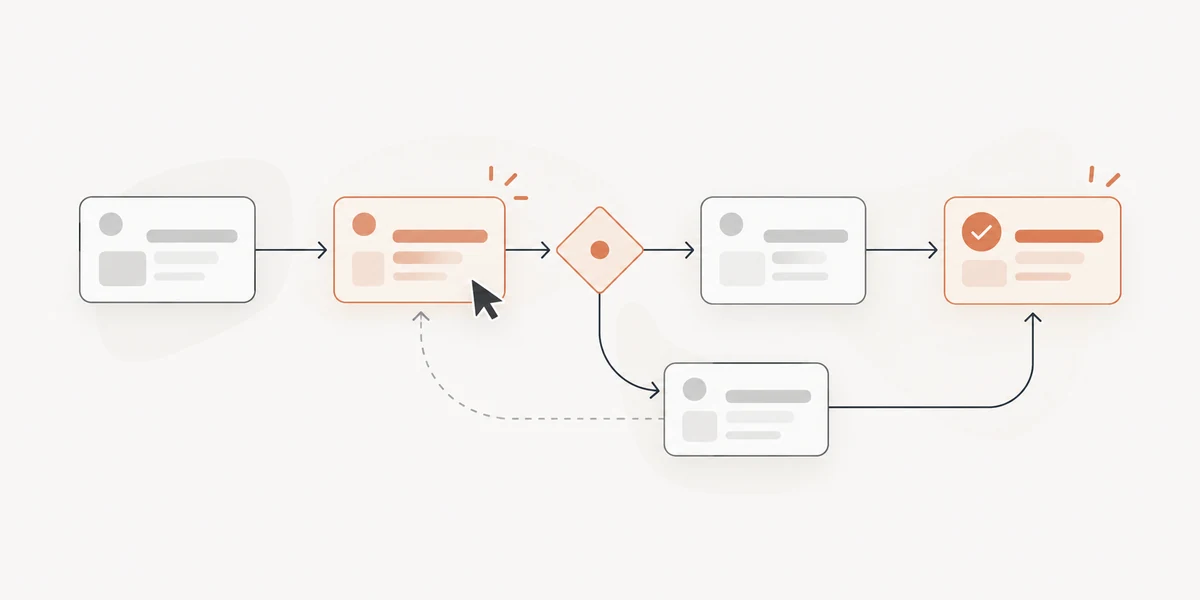
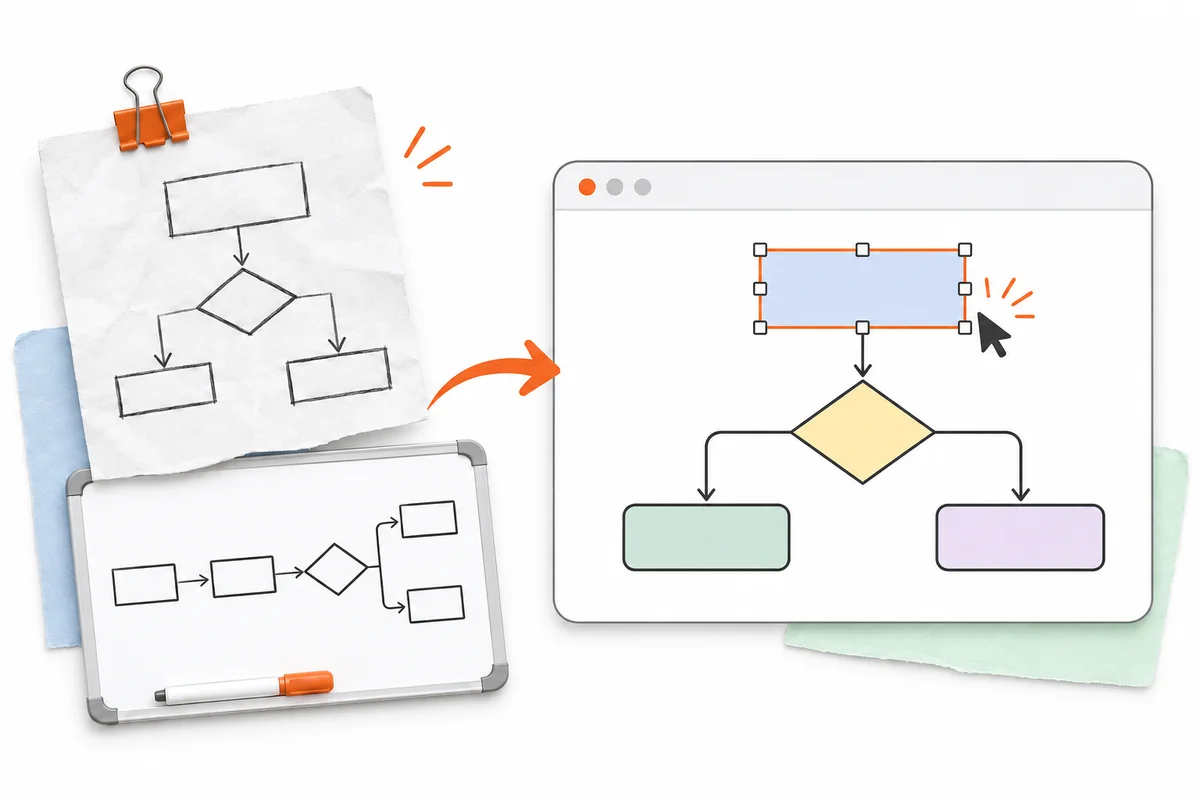
The converter turns that image into a draft with separate objects.
Compare the draft with your image.
Make corrections before exporting to draw.io.
Recover boxes, labels, and arrows from an image as editable draw.io objects.
Rename a component or correct an arrow before downloading the source.
Keep a draw.io file alongside the original image for future revisions.
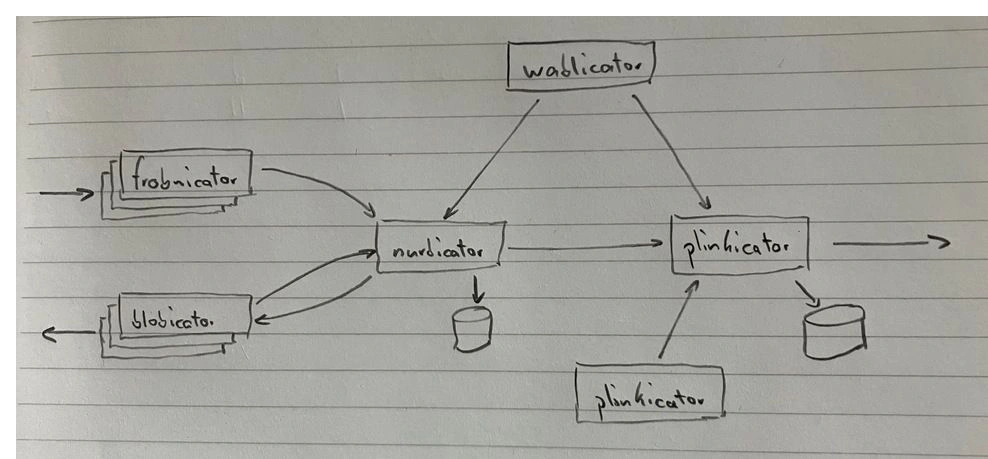
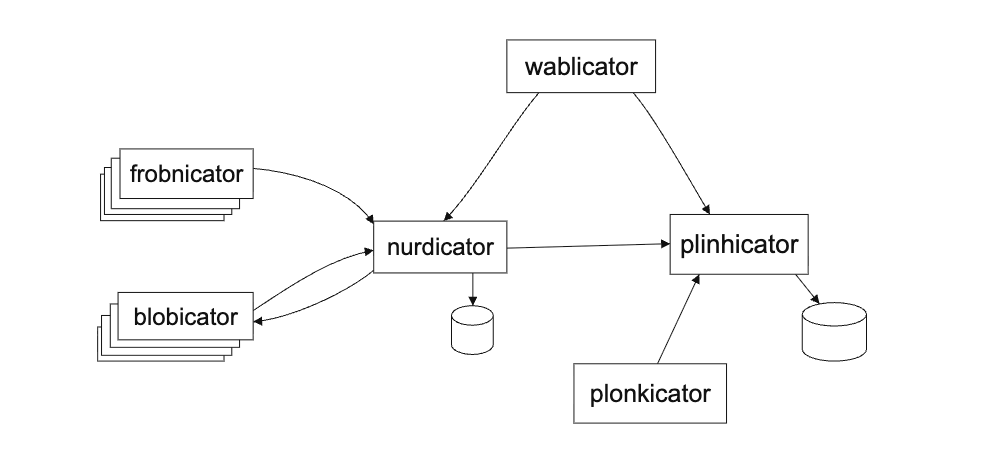
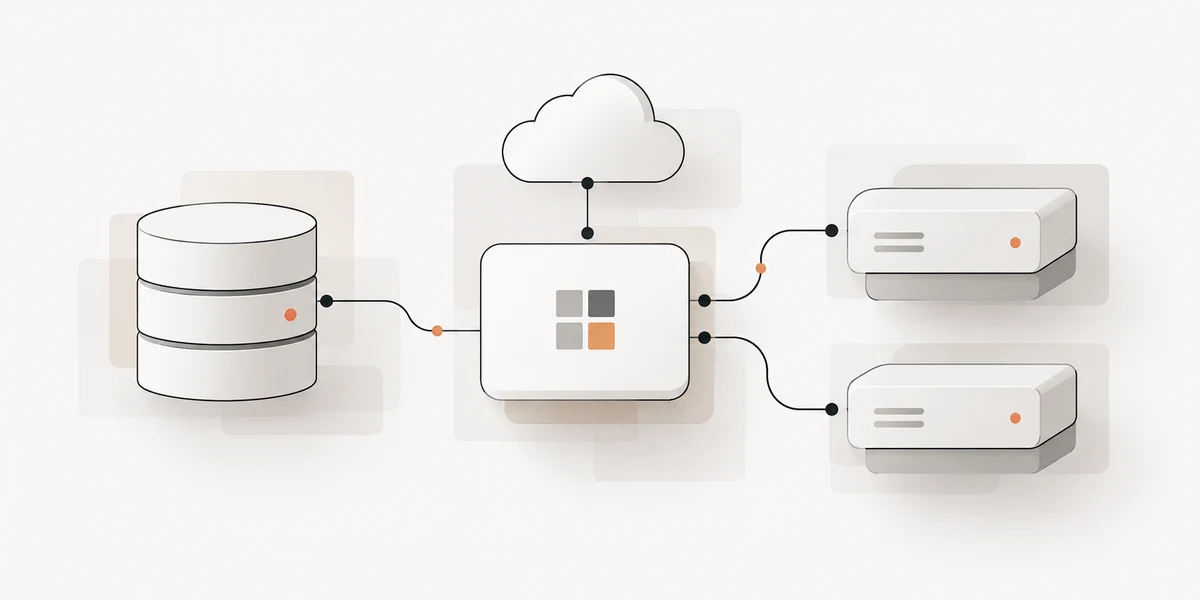
Recover service instances and database connections as editable draw.io shapes.
Compare the recovered labels with the image before saving the draw.io source.
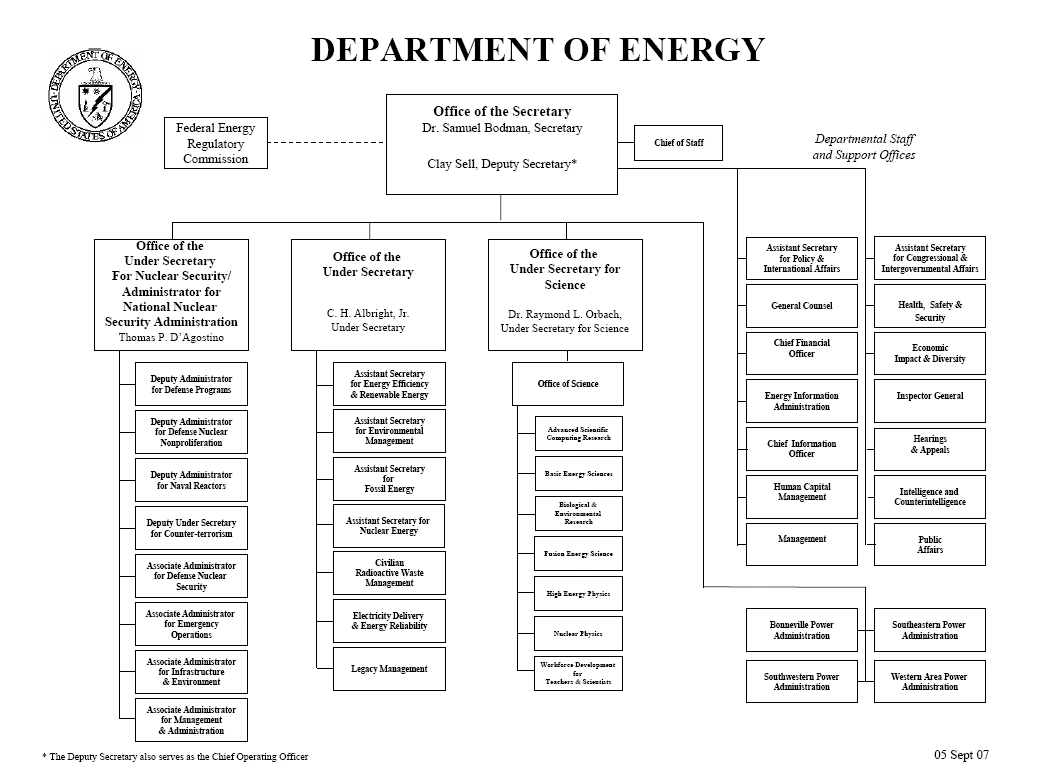
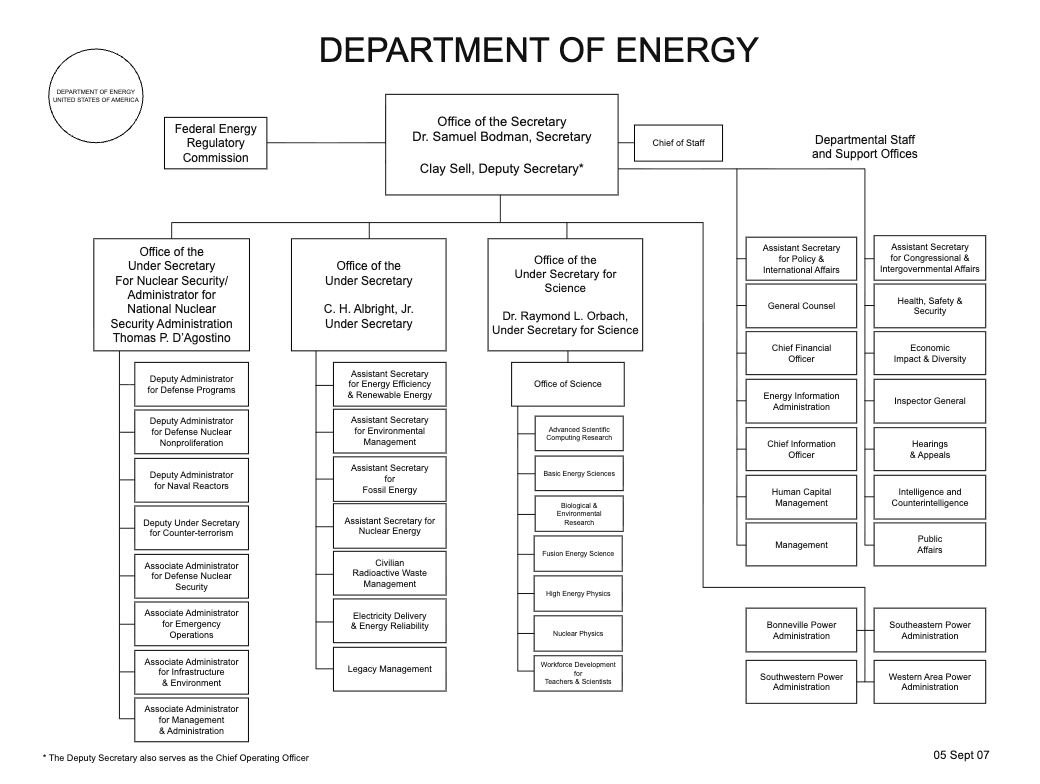
Recover an org chart image with several departments and multiple levels of reporting.
Compare the org chart labels and reporting lines with the image before updating a role.
HOW IT WORKS
This reconstructs a diagram from its pixels.
It does not recover the original source byte for byte.
Complex icons, custom shapes, small text, and dense connections may need cleanup.
CHOOSE THE RIGHT START
Opening an image in draw.io is useful for reference.
Use the converter when you need to change the structure represented inside that image.
| Your task | Keep the image | Rebuild for draw.io |
|---|---|---|
| Change a label | The text remains part of the image pixels. | Review recognized text and edit the label as an object. |
| Move a component | The whole image moves together on the canvas. | Move the rebuilt shape, then inspect its connections. |
| Keep the exact artwork | The image retains its original appearance. | The converter may simplify icons and spacing. |
| Prepare another revision | You still need a source file or a manual redraw. | Export to draw.io and keep the editable source. |
WHEN THE SOURCE IS MISSING
The converter is useful when your image already contains the diagram you need.
Start from the existing relationships rather than asking a tool to invent a different structure.
The documentation still contains a diagram image, but its draw.io source has disappeared.
Keep the new draw.io file with the revised documentation.
A screenshot arrives in a project discussion, and you need to propose a change.
Move the discussion from image annotations to editable draw.io objects.
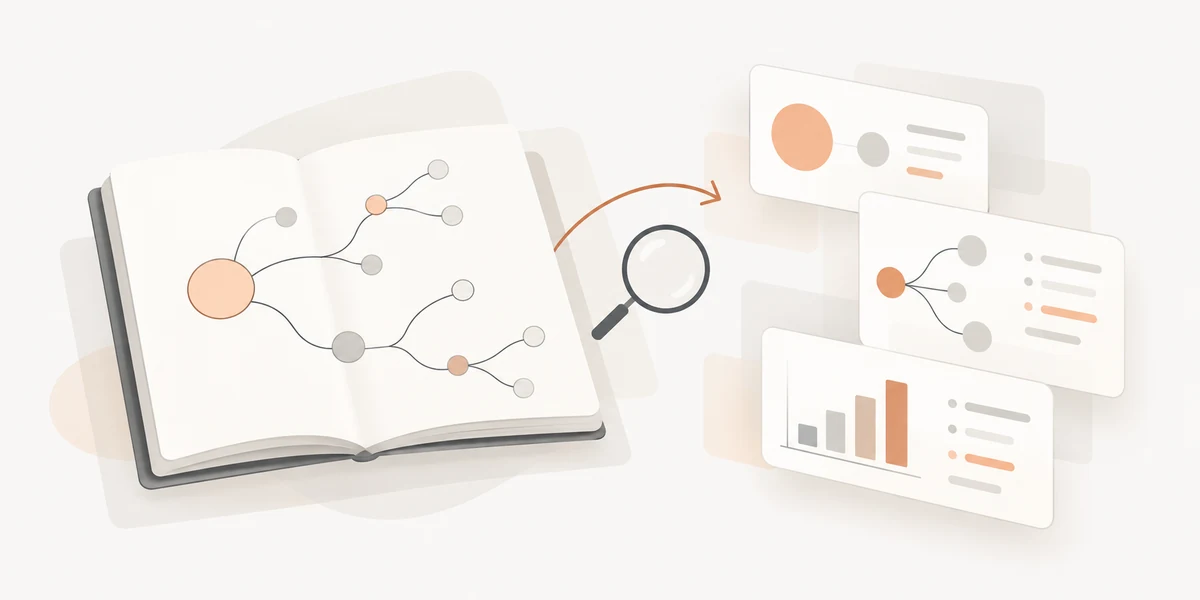
Save a clear image of the diagram area without the surrounding slide.
Review the draw.io source before including it in another document.
BEFORE YOU EXPORT
A clean result is useful only when the diagram still expresses the relationships in your image.
Review the draft once before handing over the draw.io source.
Check abbreviations, numbers, and small text.
The converter can misread a character even when the surrounding shape looks correct.
Confirm direction and endpoints, especially where lines cross.
Fix the connection in the browser or continue the adjustment in draw.io.
Save the draft, download draw.io, and retain your image.
A saved source makes the next review easier to follow.
Recover separate shapes, labels, and connections. Compare the draft with your source image.
Yes. Upload a clear screenshot from any diagram app. Custom symbols may be simplified in the draw.io export.
Use PNG, JPG, or WebP up to 10 MB each. PDF input is not currently supported.
Yes. Sign in to upload, save, and revisit your diagrams. The editor runs in your browser.
Click Save before leaving. Export draw.io to keep editing, or SVG, PNG, or PDF for sharing.