Recover the visible whiteboard structure
Recover connected shapes and arrows from a clear photo of your board.
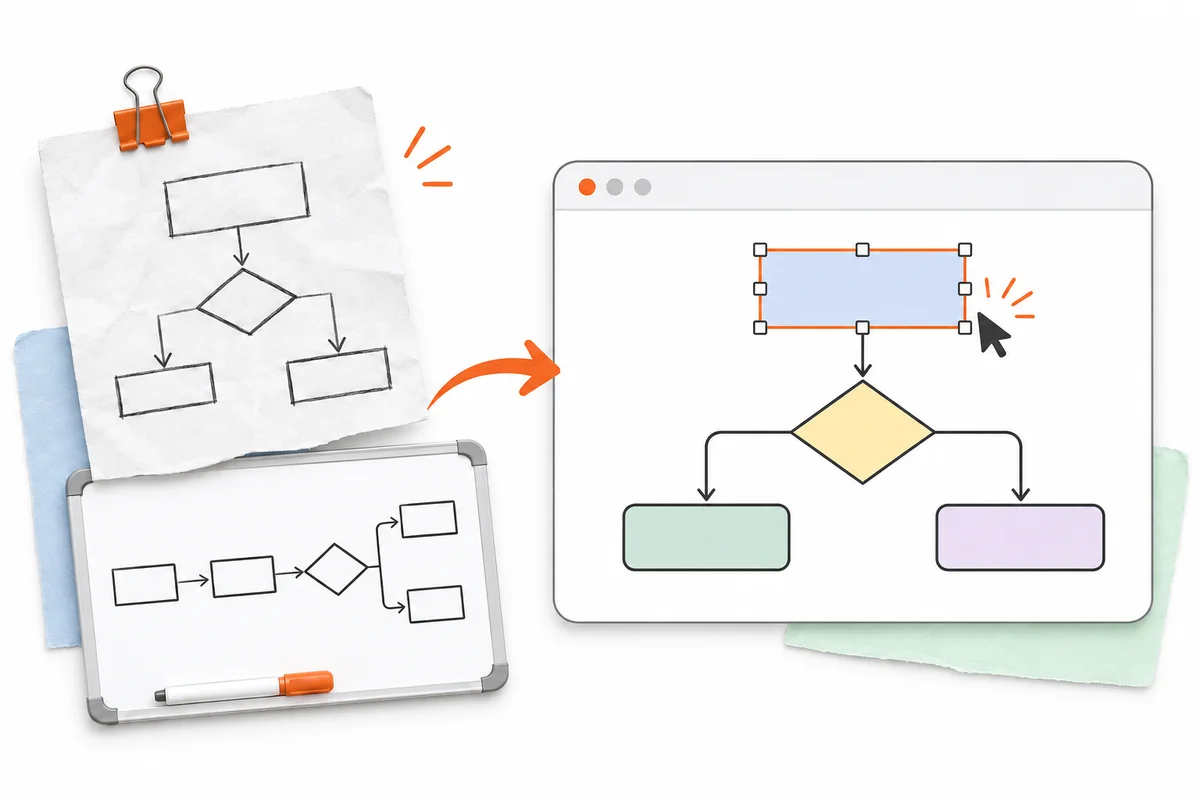
Turn a whiteboard photo into an editable diagram you can refine and share after the meeting.
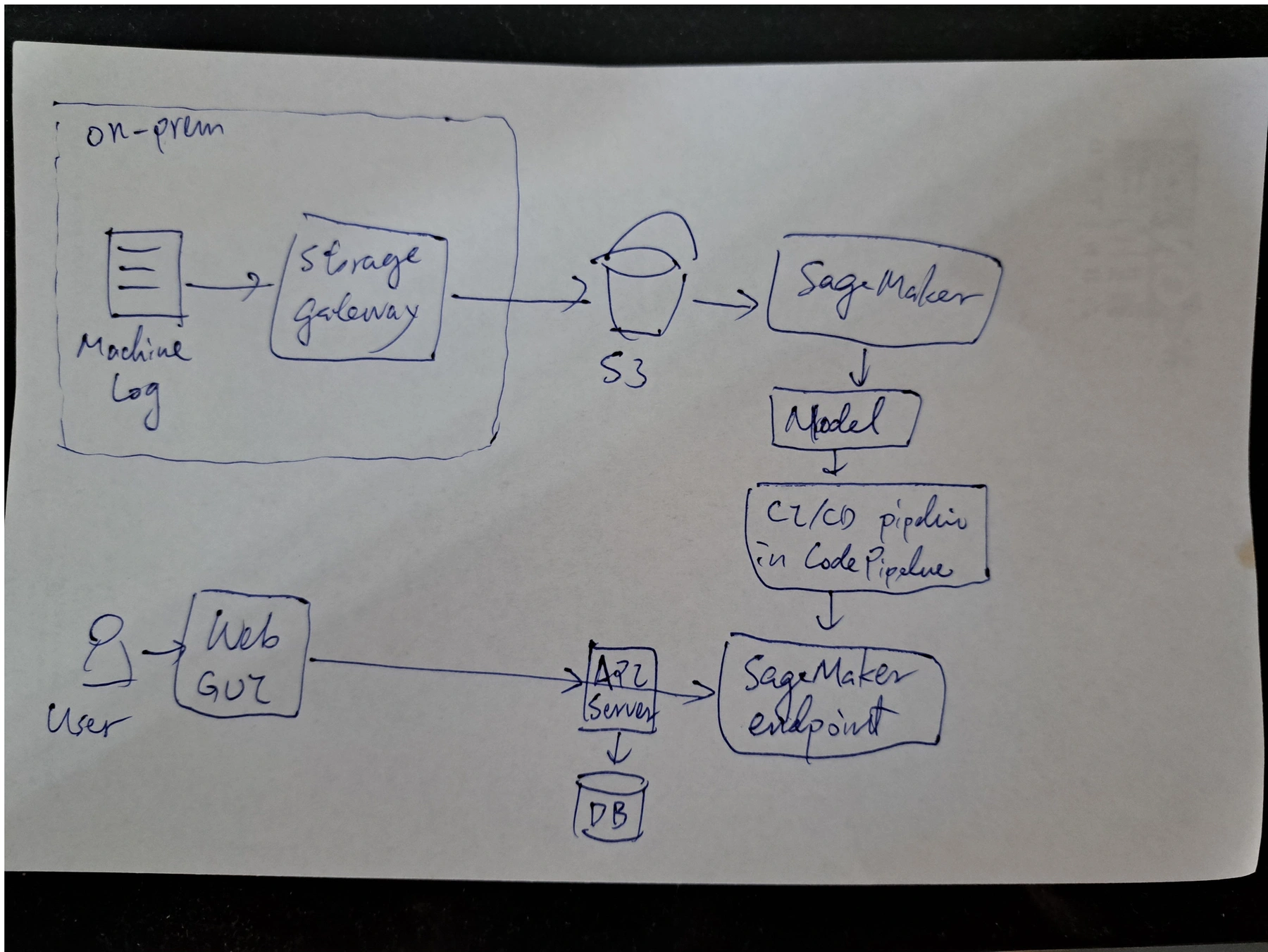
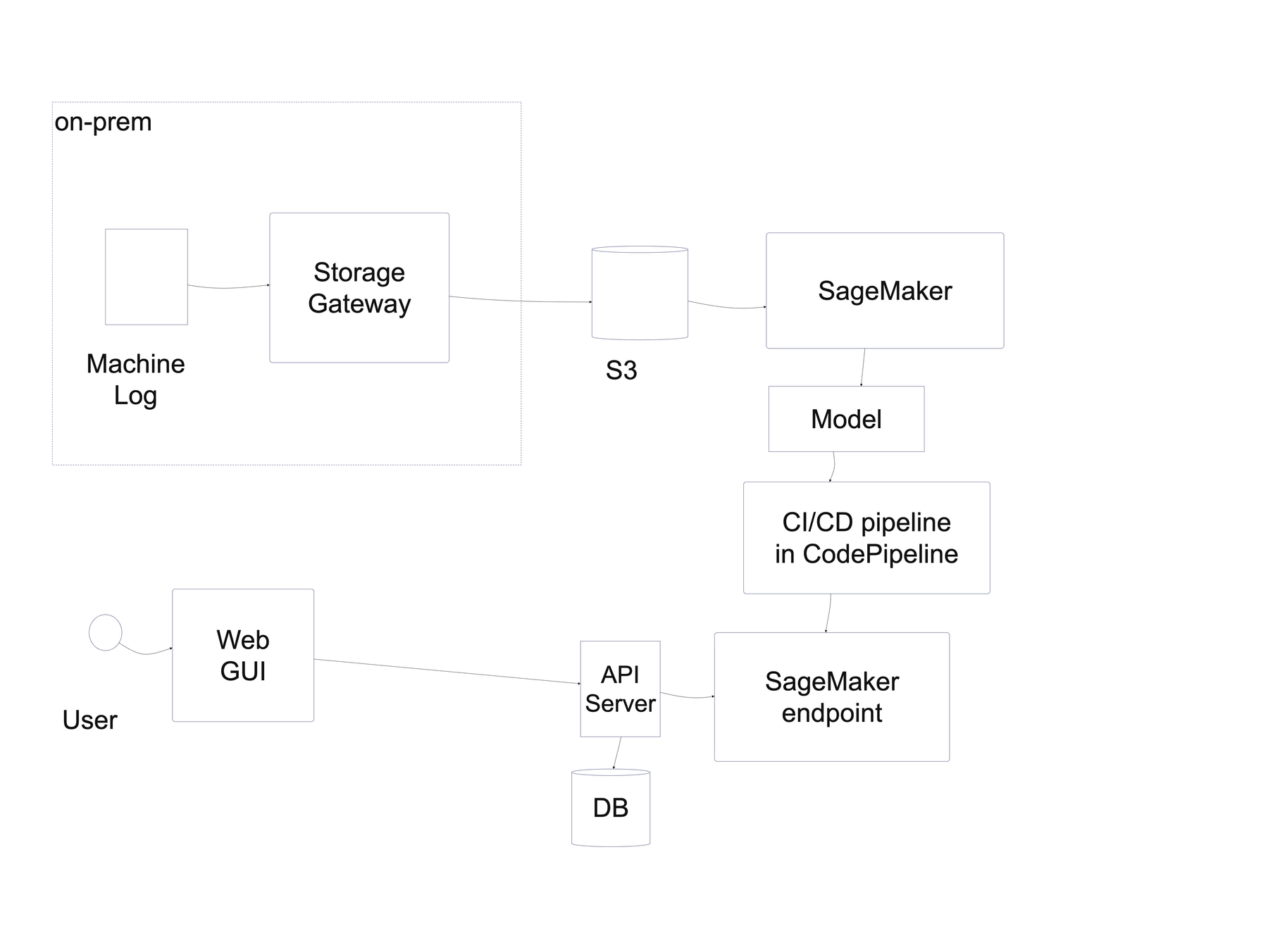
FROM DISCUSSION TO DOCUMENT
A whiteboard photo records what the team drew.
An editable diagram gives you a way to clarify the next step.
Check the diagram against your photo.
Keep refining the idea after the whiteboard has been erased.
Recover connected shapes and arrows from a clear photo of your board.
Correct handwriting so your meeting diagram is easier to read.
Keep an editable source or export a visual for your meeting notes.
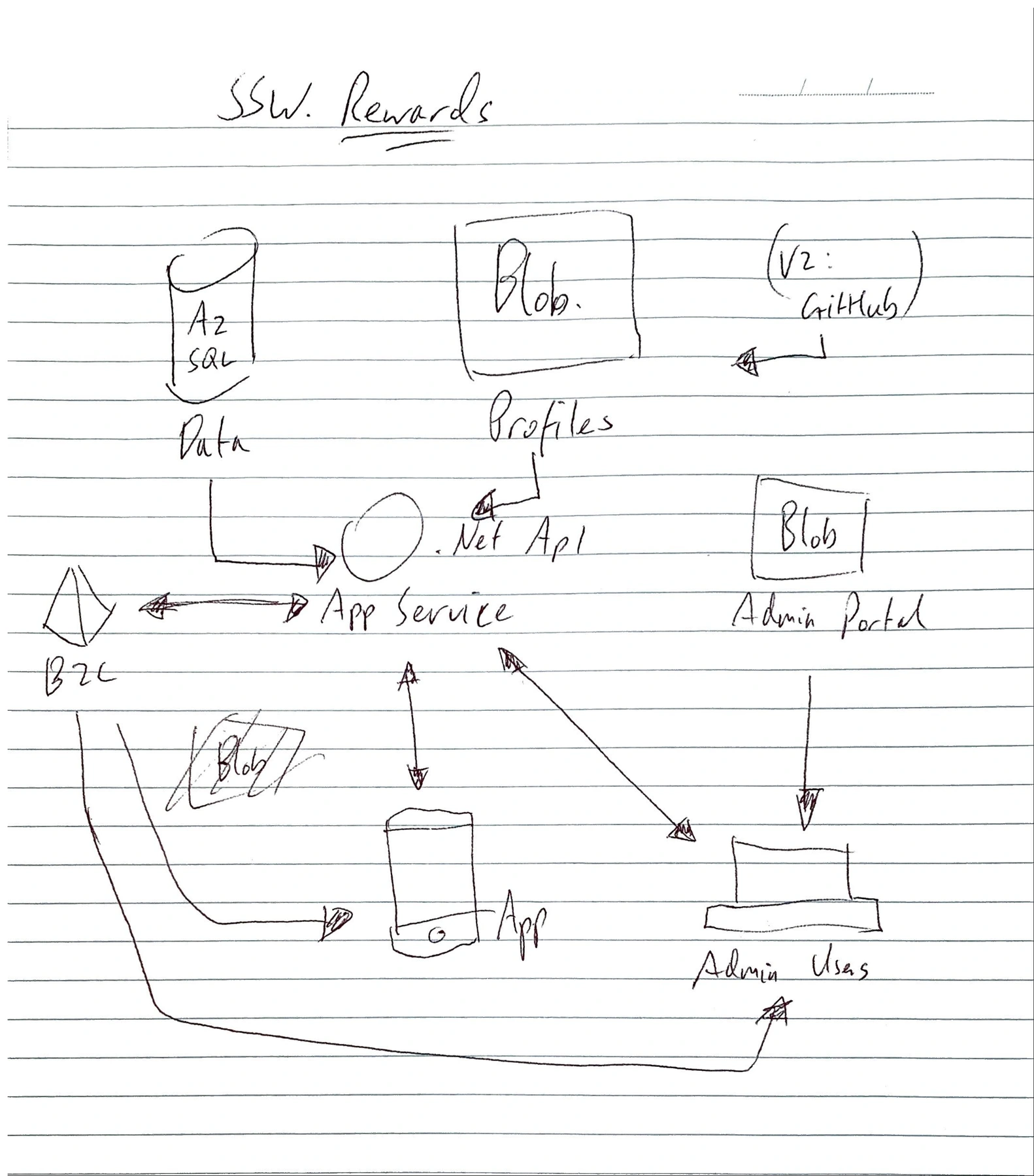
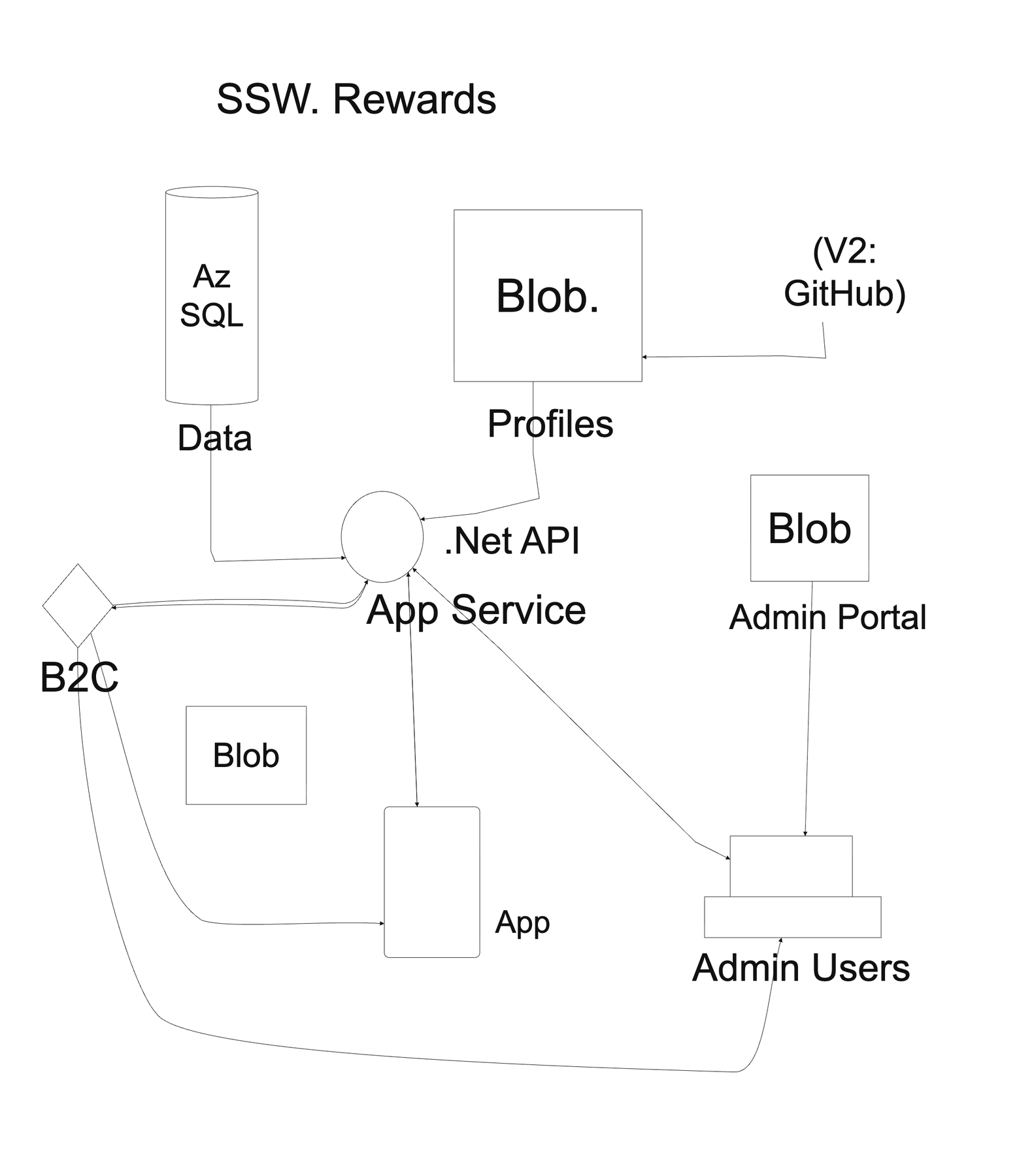
Use a system sketch to prepare your next whiteboard review.
Compare recovered labels with the image before discussing changes at the whiteboard.
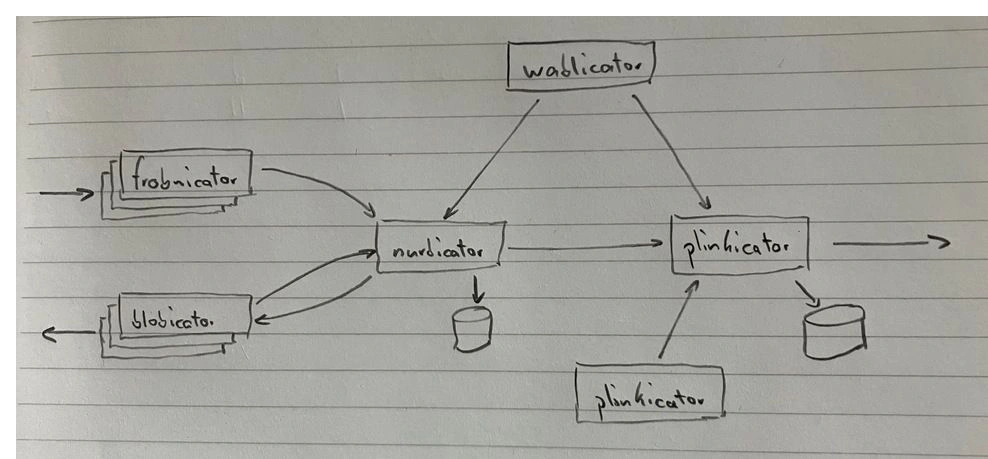
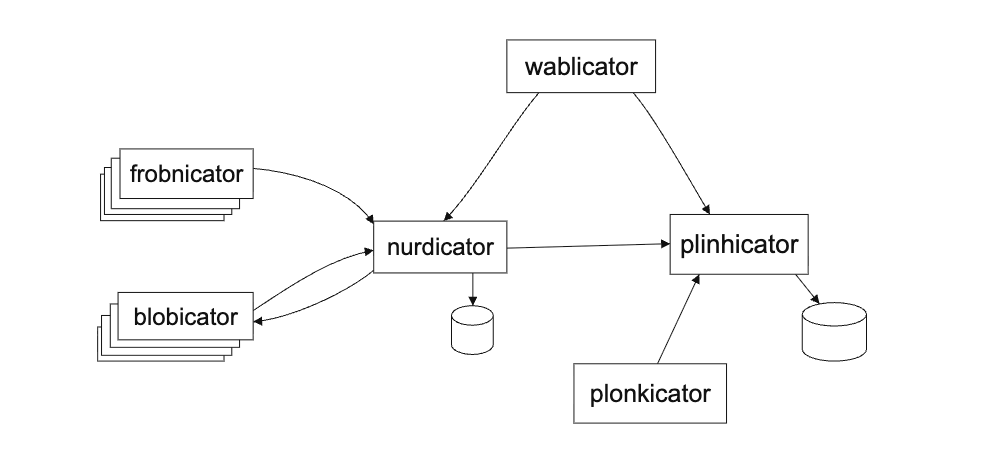
Recover service instances, shared components, and databases from your image.
Compare the diagram labels and image arrows before changing a service name or connection.
HOW IT WORKS
Best suited to whiteboards with distinct diagram shapes and connections.
Glare, faint ink, overlapping notes, and angled photos can reduce recognition quality.
Freeform brainstorm notes are not automatically organized into a new diagram.
KEEP THE RIGHT EXPECTATIONS
The whiteboard photo preserves the meeting as it looked.
Revise the recovered objects on the canvas.
Missing or unreadable marks cannot be reconstructed reliably.
| Whiteboard detail | In the photo | In the diagram draft |
|---|---|---|
| Handwritten text | Labels remain whiteboard marker strokes. | Review typed diagram labels against the photo. |
| Connected shapes | Boxes and arrows stay fixed in the photo. | Move diagram objects and inspect connection endpoints. |
| Unconnected notes | The whiteboard may contain several unrelated ideas. | Do not assume the converter will invent a diagram from them. |
| Glare and shadows | Some whiteboard marks may be obscured. | Recover only visible details and correct the diagram manually. |
AFTER THE WHITEBOARD SESSION
A whiteboard sketch often outlives the meeting where it was drawn.
Recover the structure visible on the board.
Turn the discussion into a diagram others can review.
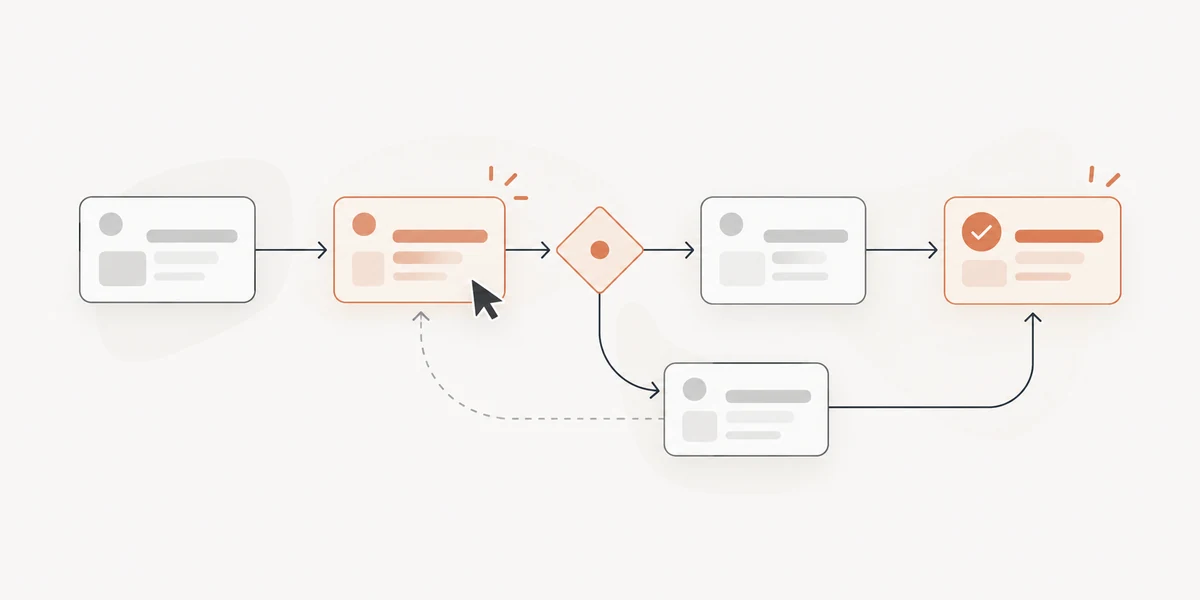
The whiteboard holds a diagram of steps the team agreed to try.
Keep an editable diagram with the planning document.
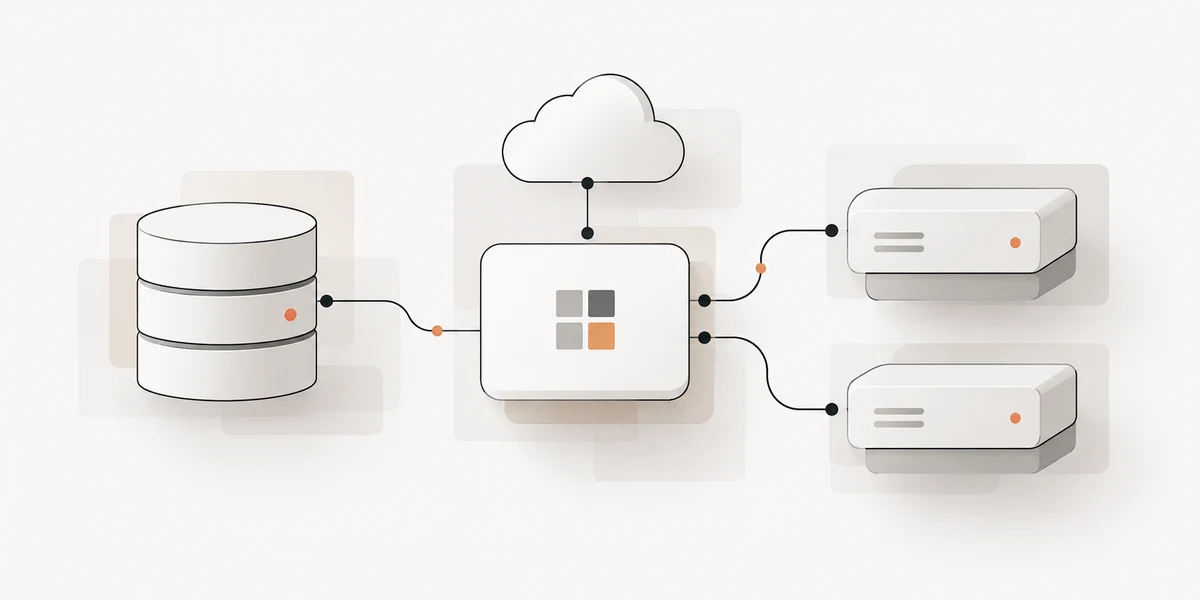
A whiteboard sketch links services and data stores.
Take a shared diagram into the next technical review.
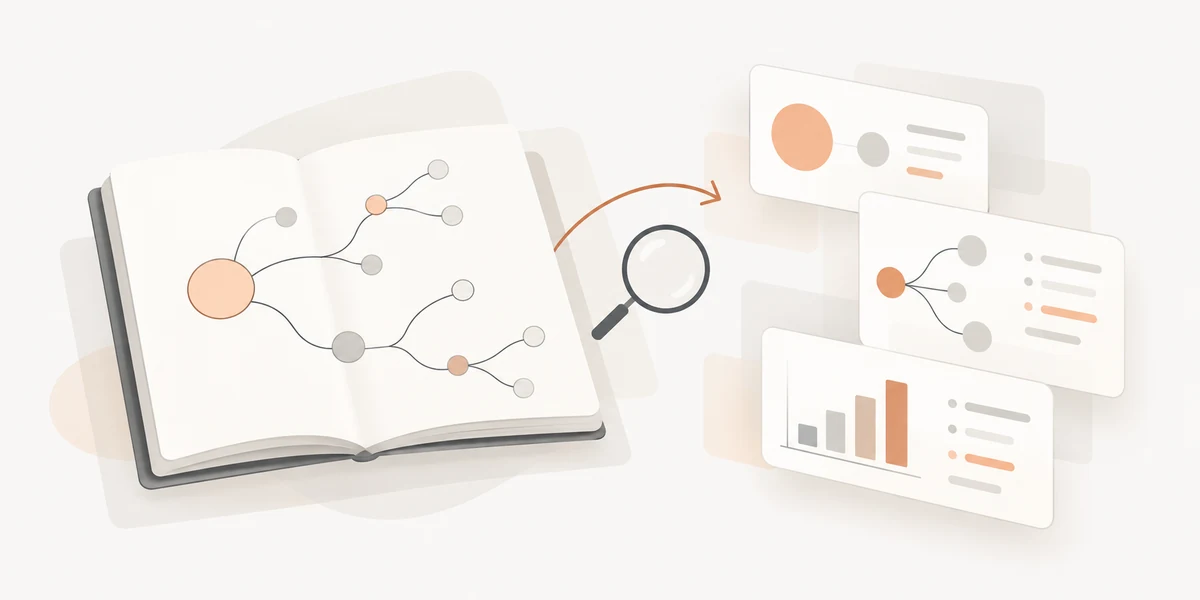
You drew a diagram on the whiteboard during a lesson.
Export a readable diagram for notes or presentation slides.
BEFORE THE DIAGRAM LEAVES YOUR NOTES
Whiteboard handwriting and overlapping arrows can be ambiguous.
A short review helps the digital diagram reflect the idea the group actually discussed.
Read short abbreviations and numbers carefully.
If the photo is unclear, ask someone from the discussion.
Do not treat the draft as proof.
Trace the whiteboard diagram from one shape to the next.
Confirm that the recovered diagram has not connected two lines that merely pass each other.
Click Save and export draw.io when the whiteboard idea needs another revision.
Keep a visual export for readers who only need the diagram.
Yes. Use a readable PNG, JPG, or WebP photo. Export HEIC as JPG or PNG before uploading.
This tool rebuilds visible diagrams. It does not transcribe meetings or infer relationships between unrelated notes.
Handwriting becomes recognized text where possible. Check colors, wording, and connections against your photo.
Use PNG, JPG, or WebP up to 10 MB each. PDF input is not currently supported.
Yes. Sign in to upload, save, and revisit your diagrams. The editor runs in your browser.
Click Save before leaving. Export draw.io to keep editing, or SVG, PNG, or PDF for sharing.