Recover the visible architecture
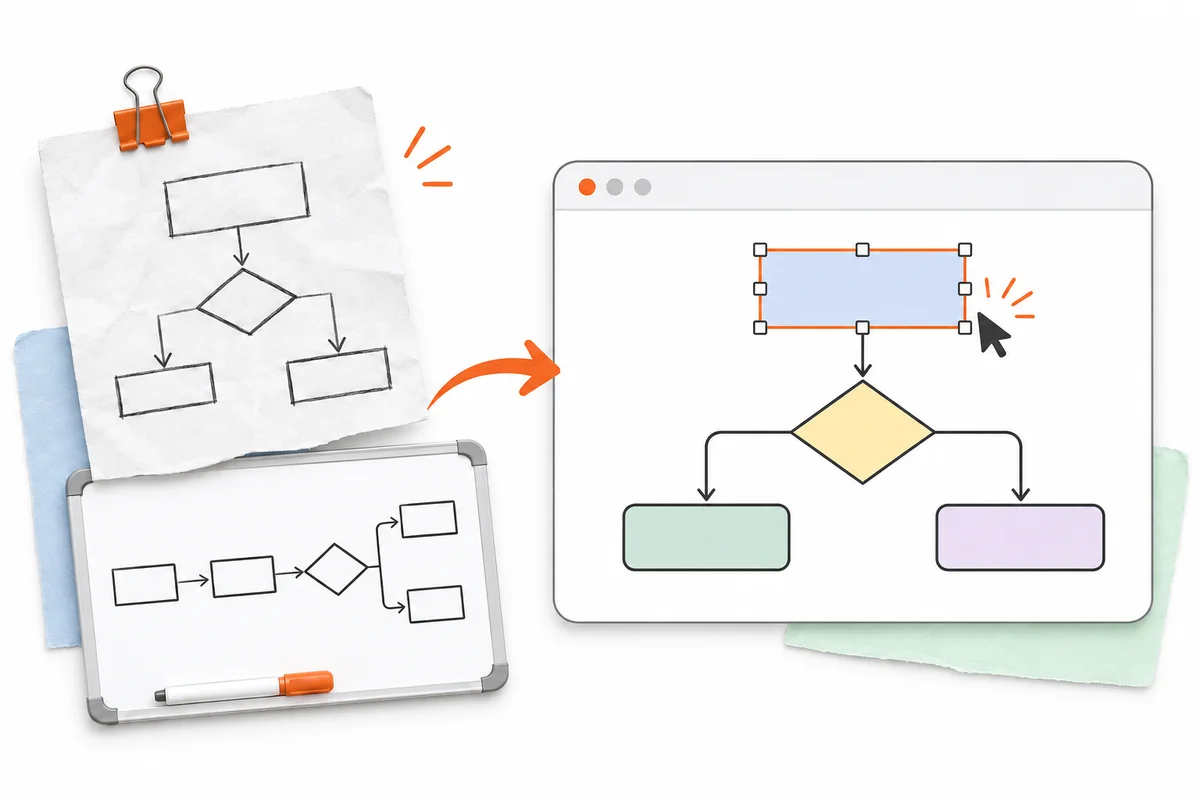
Recover component boxes, labels, and links from a system image.
Turn an architecture image into an editable diagram, ready for your next system review.
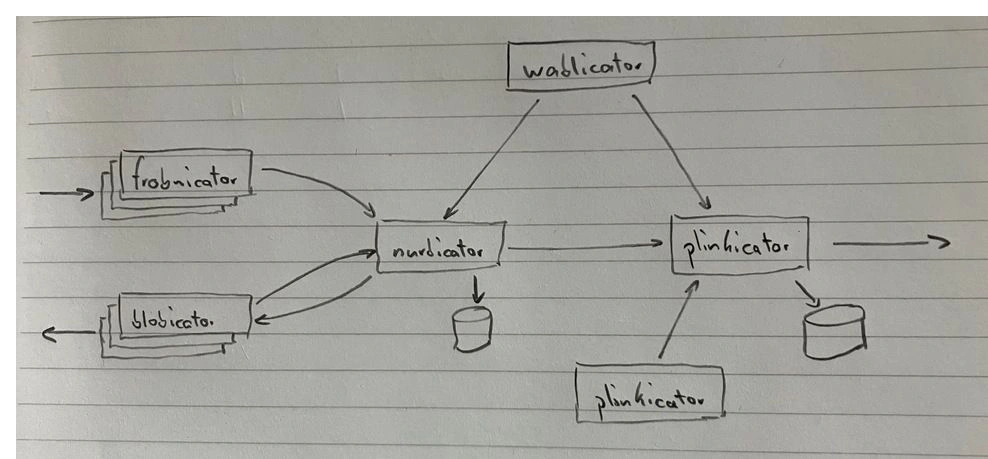
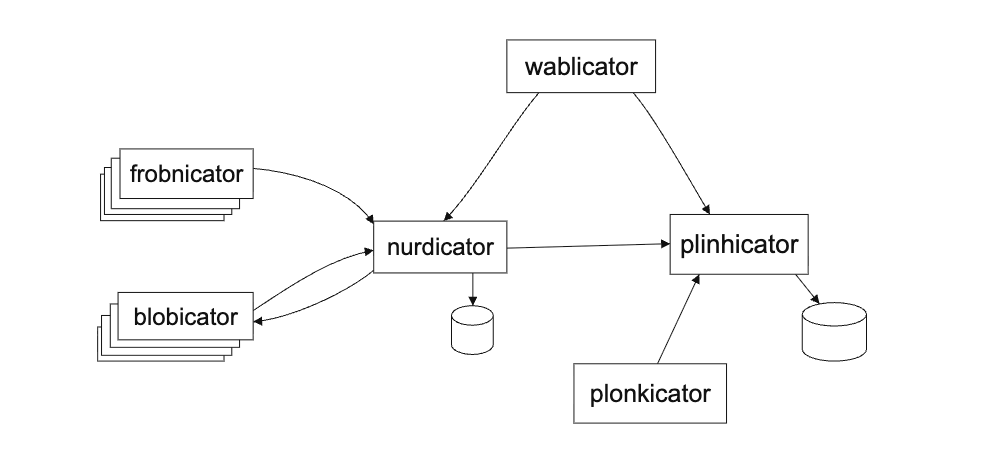
YOUR NEXT SYSTEM VIEW
A system image may still explain the architecture even when its original diagram source is missing.
Review the draft against that image.
Update the diagram before your next technical discussion or design document.
Recover component boxes, labels, and links from a system image.
Update services and dependencies within the architecture diagram.
Keep an editable source for technical reviews and future documentation changes.
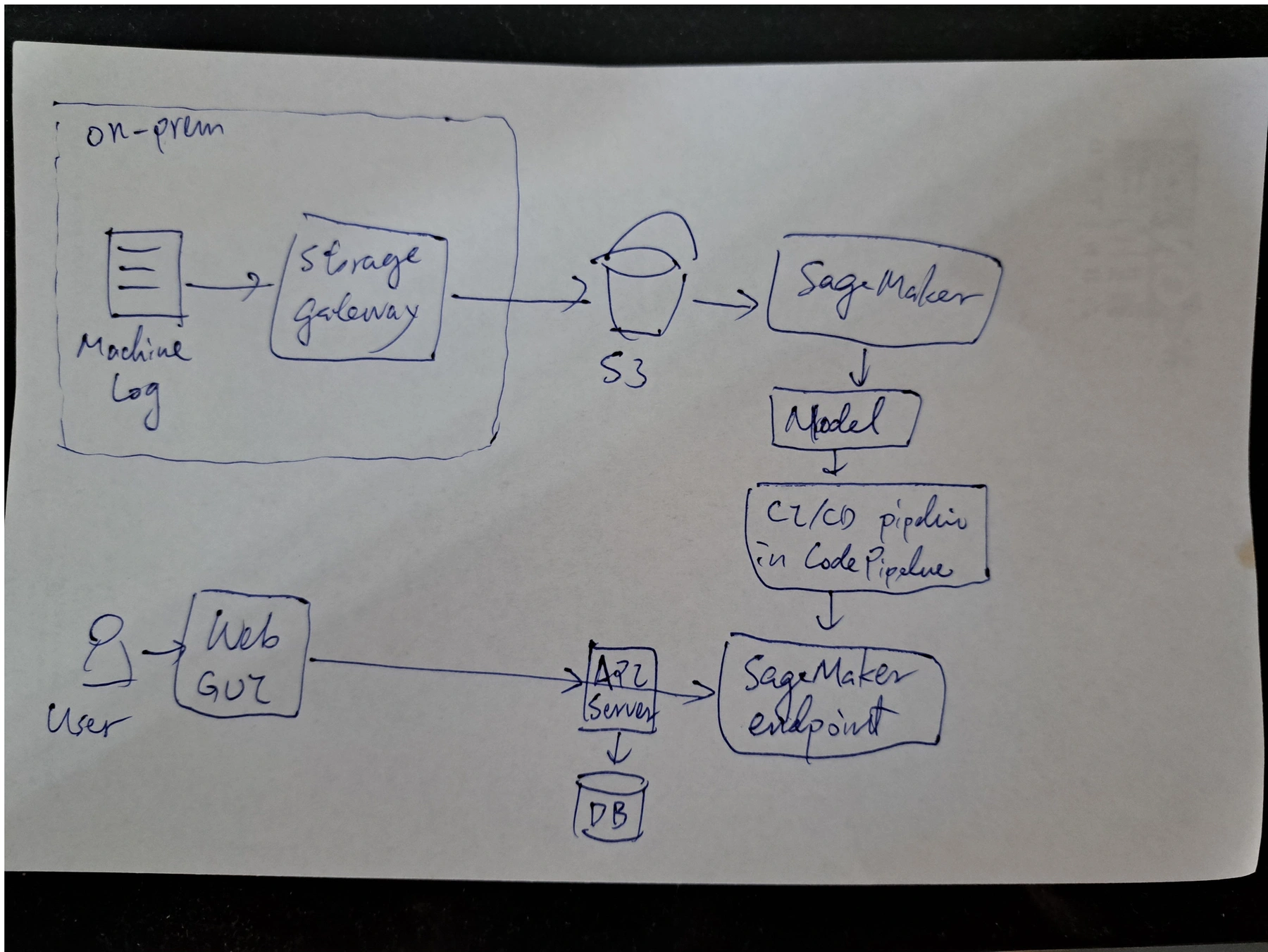
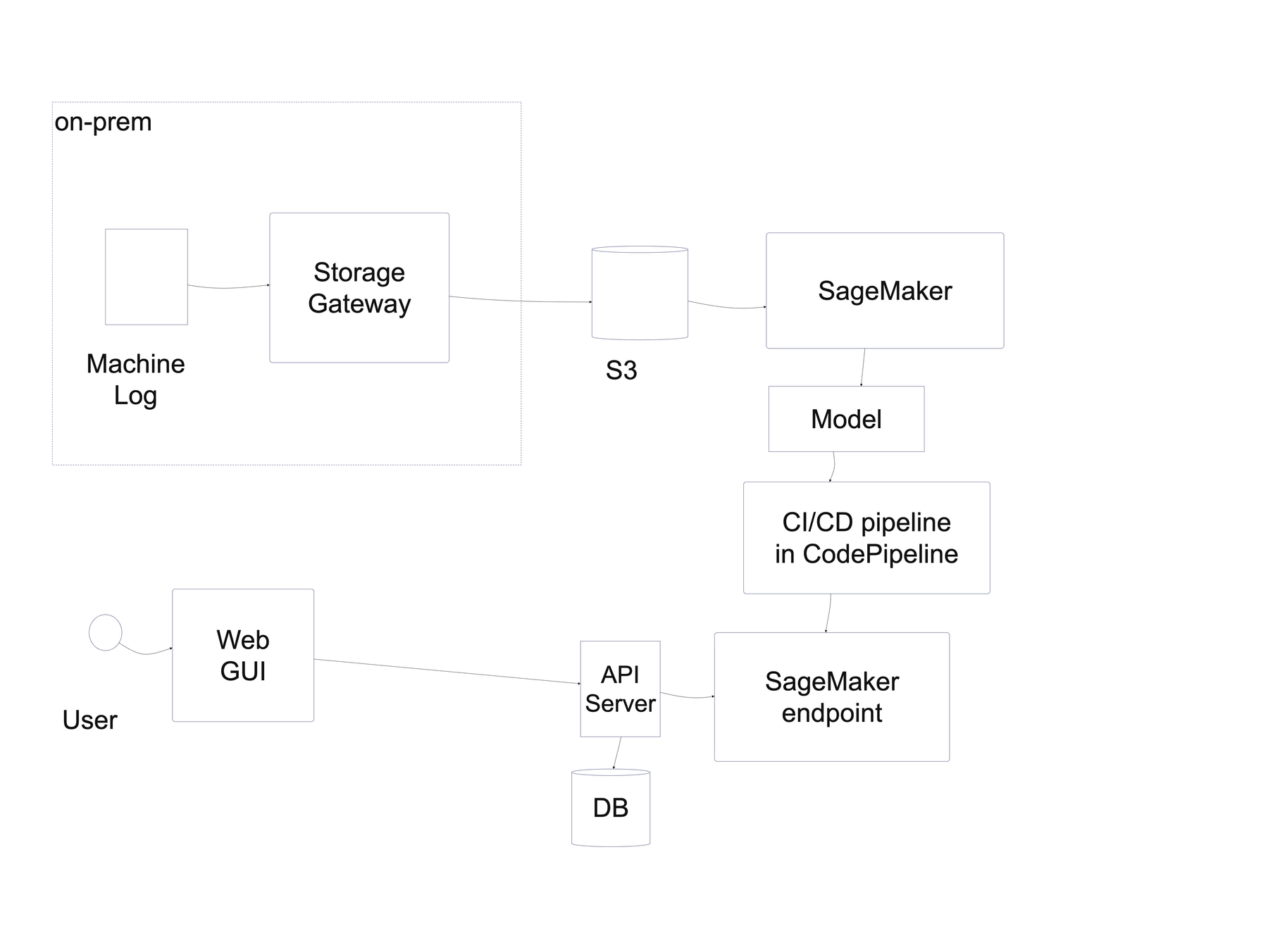
Recover a system diagram that connects local storage, cloud services, and an application.
Review the diagram components against the image before preparing the next architecture update.
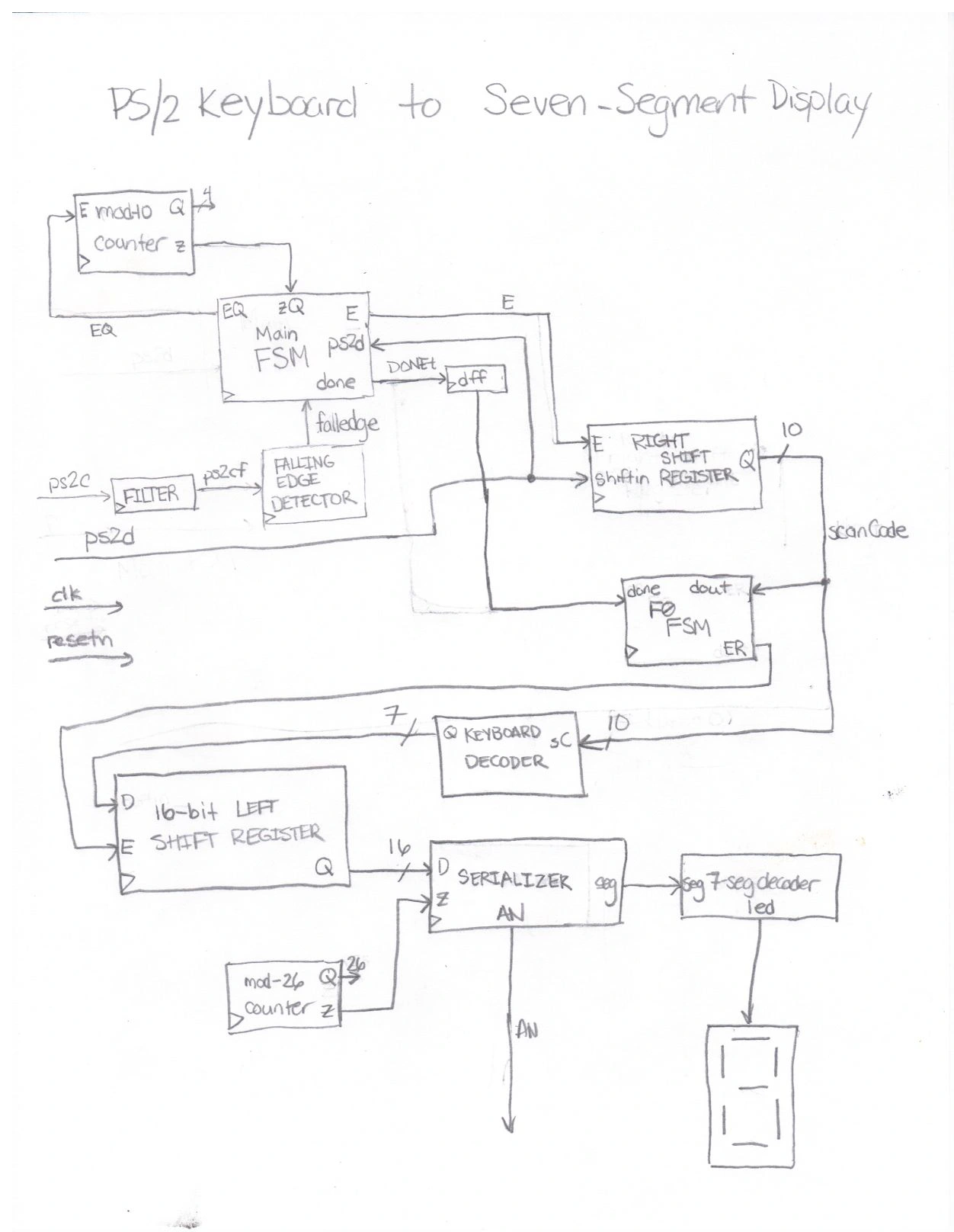
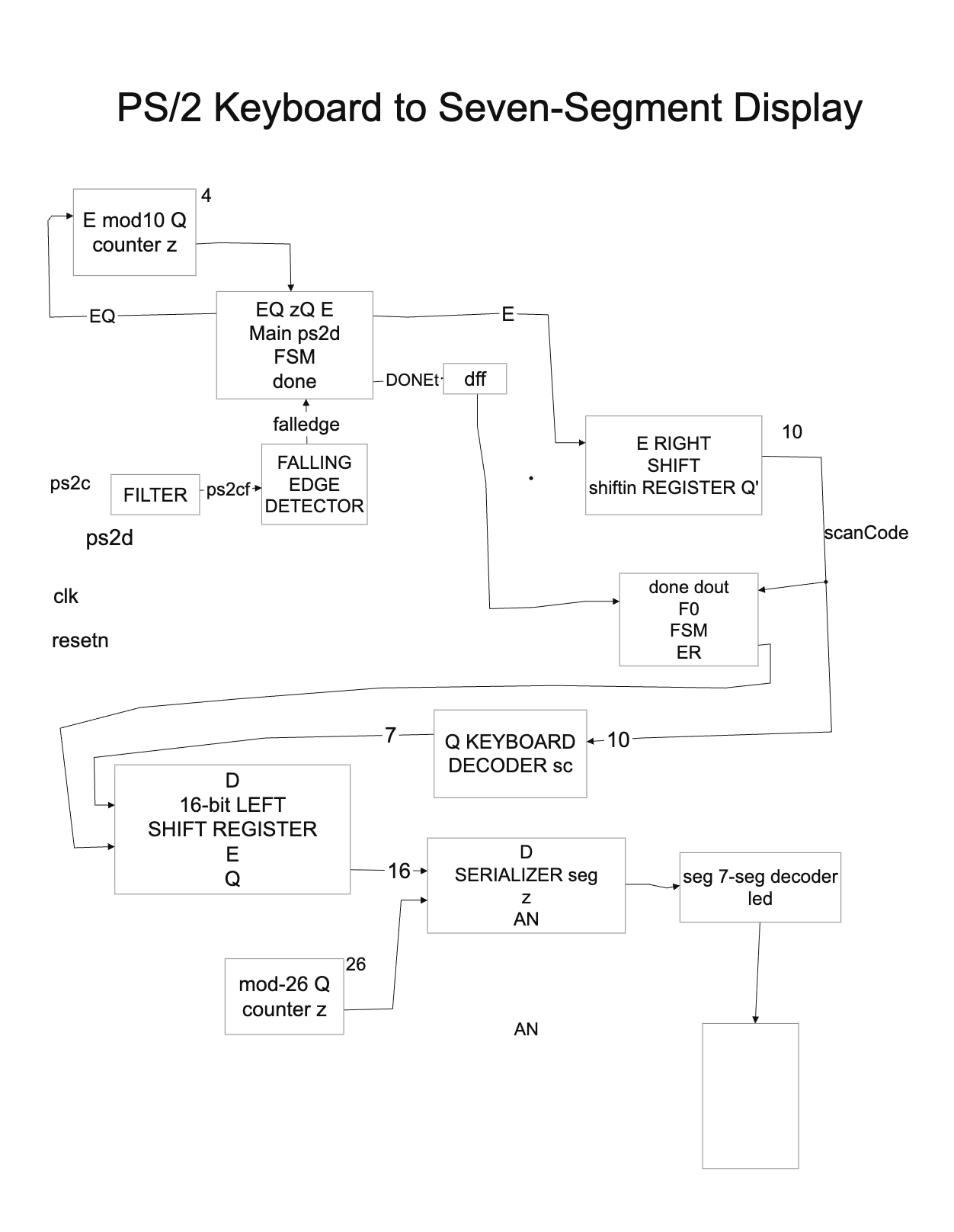
Recover a scanned diagram with input processing, state machines, registers, and output components.
Compare the diagram labels and signal paths with the image before sharing the system overview.
HOW IT WORKS
Only visible content is rebuilt.
Infrastructure and system design are not validated.
AWS, Azure, and other vendor icons may be simplified into standard shapes.
Dense diagrams, custom symbols, and complex boundaries may need manual correction.
WHAT RECOVERY CAN AND CANNOT DO
The converter helps recover a diagram from an image.
An architecture diagram represents one system view.
Review the recovered objects before using them in a technical decision.
| Architecture detail | In the source image | In the diagram draft |
|---|---|---|
| Component labels | Service names are fixed in the image. | Review and edit the architecture diagram labels. |
| Data flows | Arrows show the architecture relationships as pixels. | Check diagram endpoints and direction before revising them. |
| Vendor icons | The image may use specialized cloud symbols. | Expect simplified diagram shapes rather than exact icon recovery. |
| System accuracy | The image records one architecture view. | Does not validate the system or discover missing parts. |
KEEP THE ARCHITECTURE DISCUSSION CURRENT
Use the converter when an existing image is your architecture reference.
Start from the content visible in your image.
Repository scans and infrastructure discovery are not included.
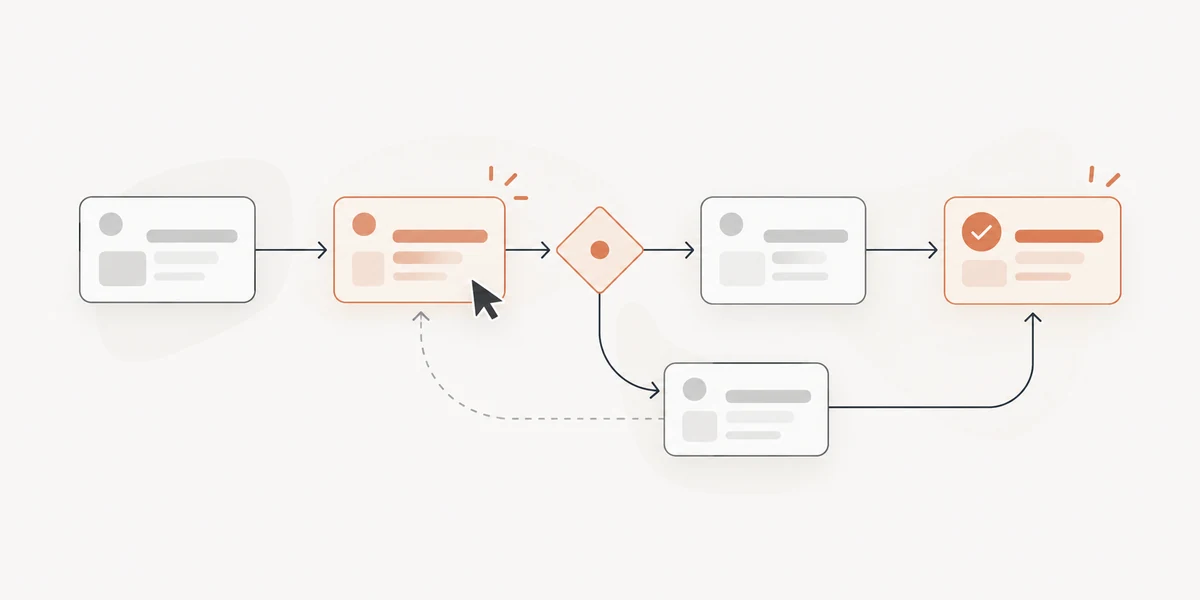
An architecture page contains an old image with a renamed service.
Keep the new diagram source beside the published image.
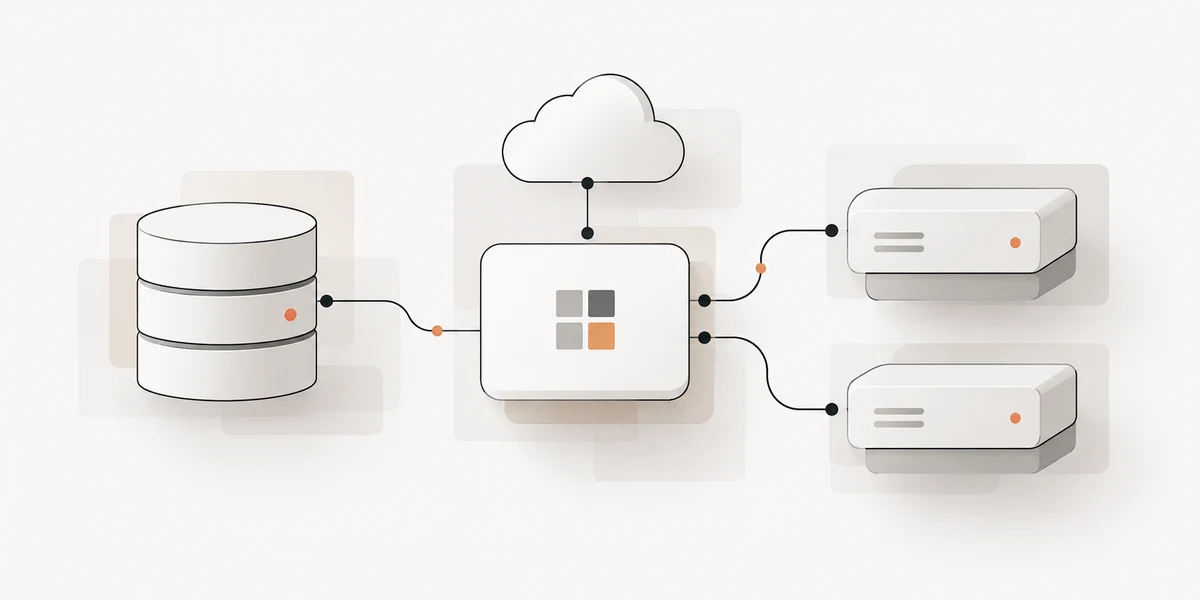
A teammate shares an image of a proposed architecture.
Review an editable diagram instead of image annotations.

The system still has an architecture image, but its source file has disappeared.
Give future architecture updates a maintainable source.
BEFORE THE NEXT ARCHITECTURE REVIEW
A neat architecture diagram can still contain a mistaken dependency.
Use the original image as a reference and check the draft with someone who understands the architecture.
Confirm that the diagram uses the right service names and data-store labels.
Compare small text with the architecture image before making further changes.
Follow each arrow through the diagram.
Check crossings and external links so the recovered structure does not imply an unintended dependency.
Save the diagram and export draw.io for later revisions.
Use a visual export when a reader only needs to inspect the architecture.
Yes, but cloud icons may become simpler shapes. Compare components and connections with the source image.
Start from a diagram image. This tool does not scan repositories or discover cloud resources.
Dense images may lose connections. Trace each dependency against your source before sharing.
Use PNG, JPG, or WebP up to 10 MB each. PDF input is not currently supported.
Yes. Sign in to upload, save, and revisit your diagrams. The editor runs in your browser.
Click Save before leaving. Export draw.io to keep editing, or SVG, PNG, or PDF for sharing.