Edit the text in your org chart
Update recognized names and roles without covering old text in an image.
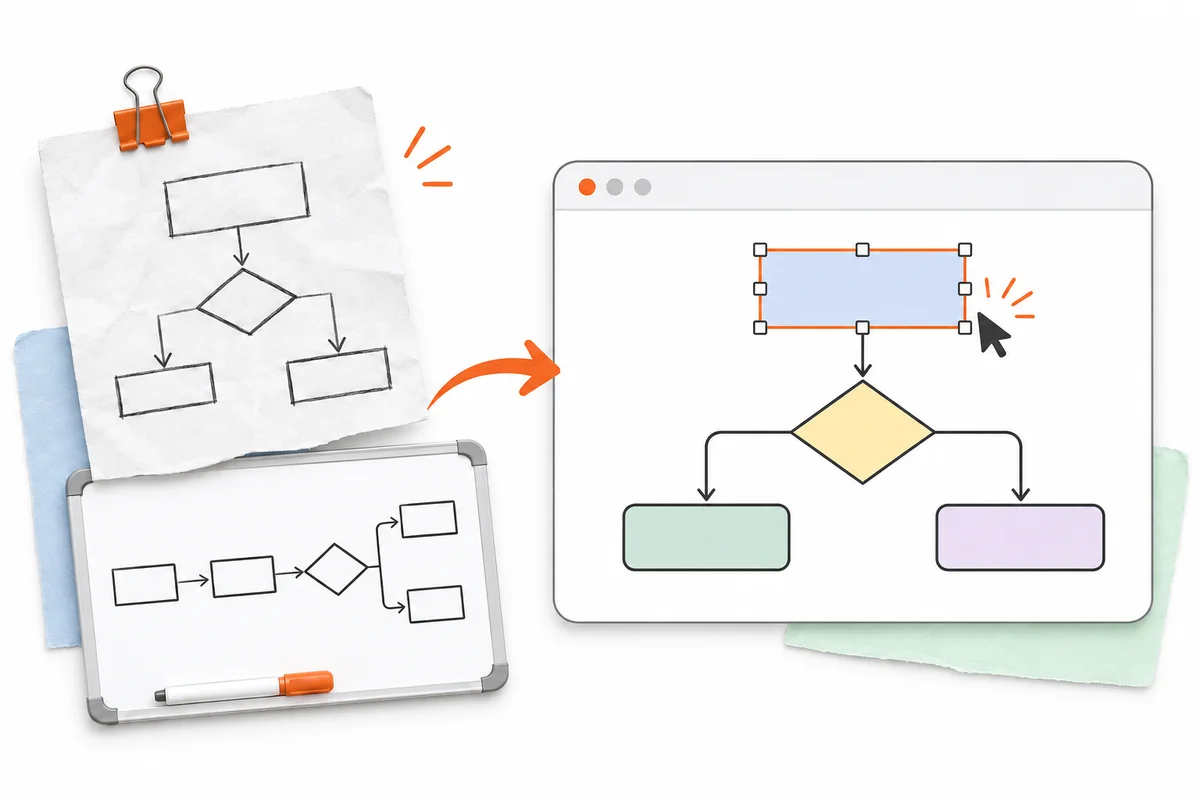
Turn an existing image into an editable org chart, ready for your next team update.
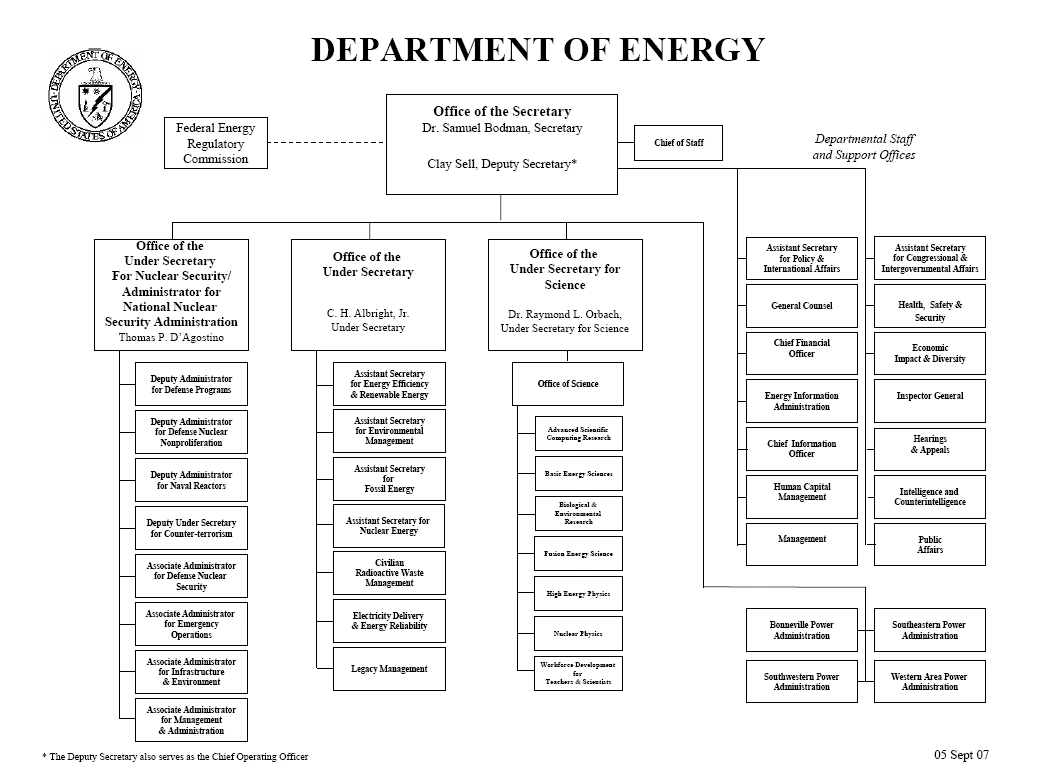
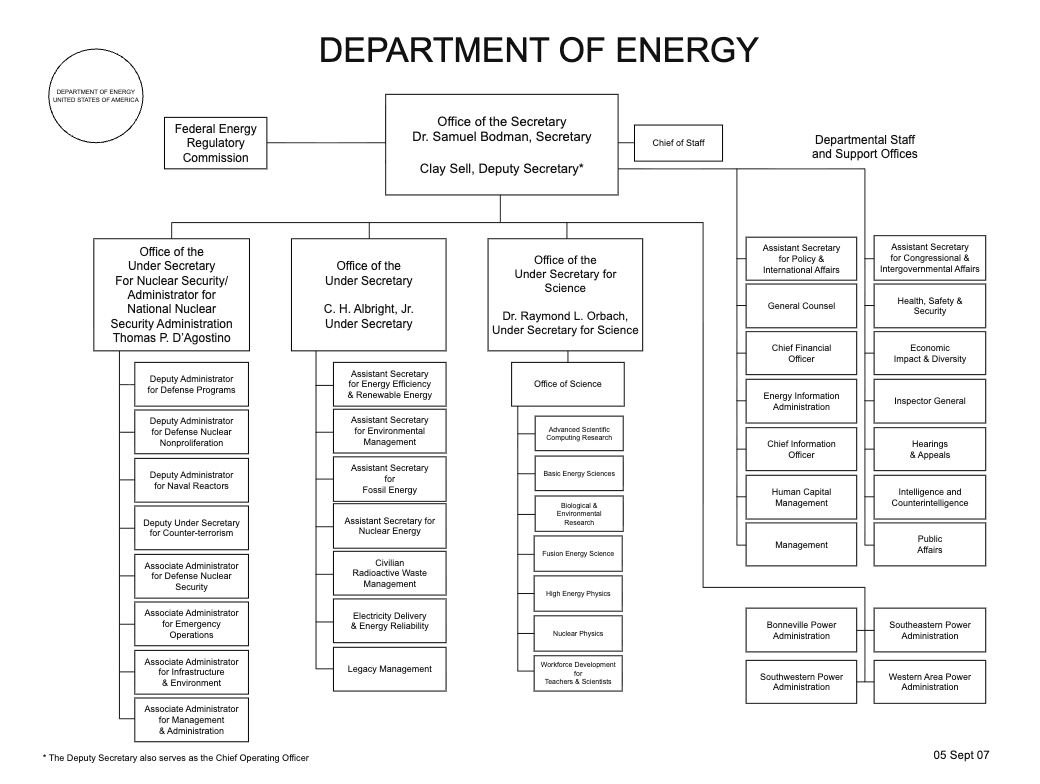
YOUR NEXT TEAM CHART
An org chart image may show last quarter’s structure while your team has already changed.
Compare the recovered relationships with your image.
Revise the chart before adding it to your next document.
Update recognized names and roles without covering old text in an image.
Move boxes and reconnect reporting lines when a team member changes roles.
Keep an editable org chart for the next team update or onboarding document.
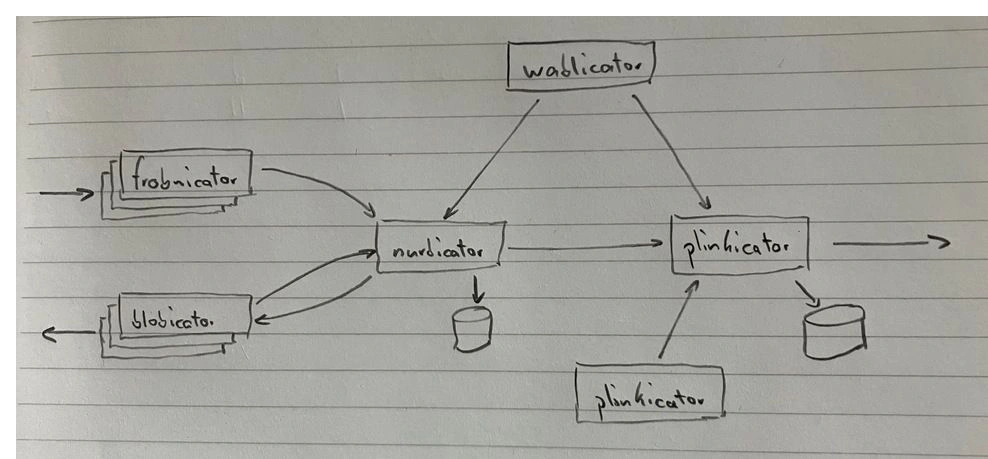
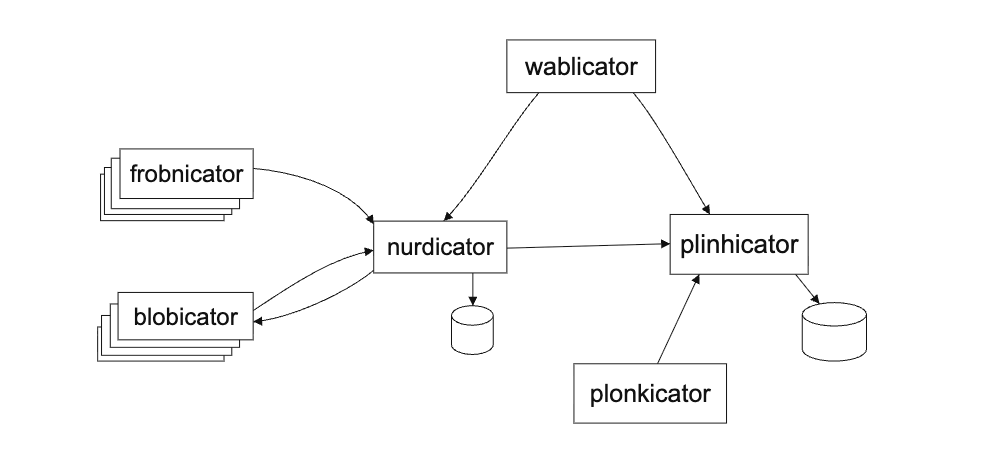
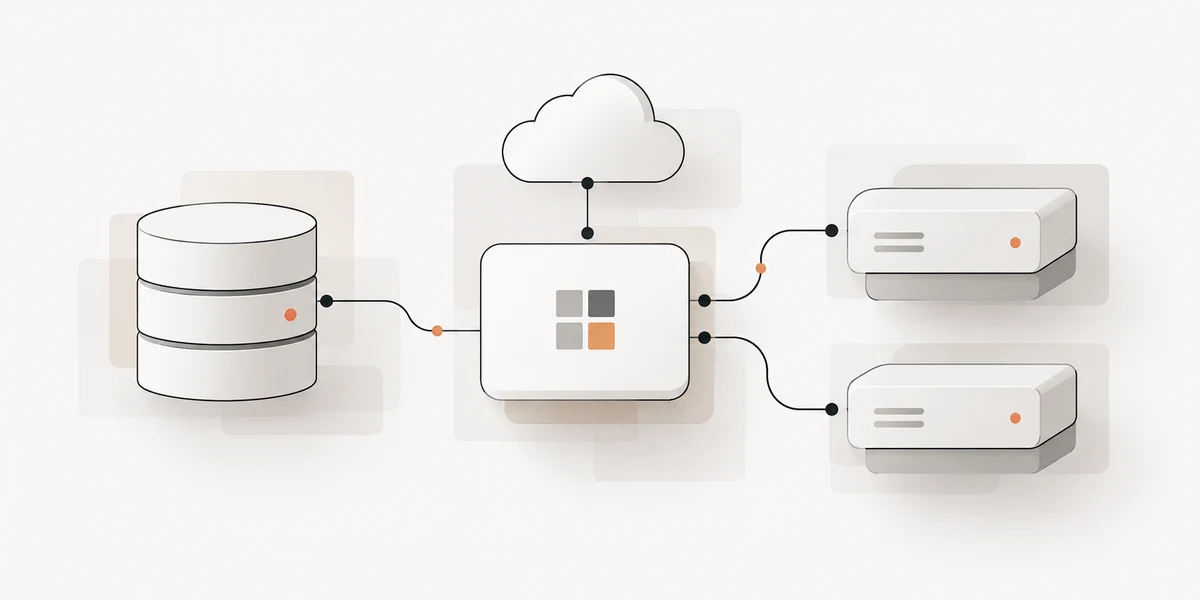
Recover service instances, shared components, and databases from your image.
Compare the diagram labels and image arrows before changing a service name or connection.
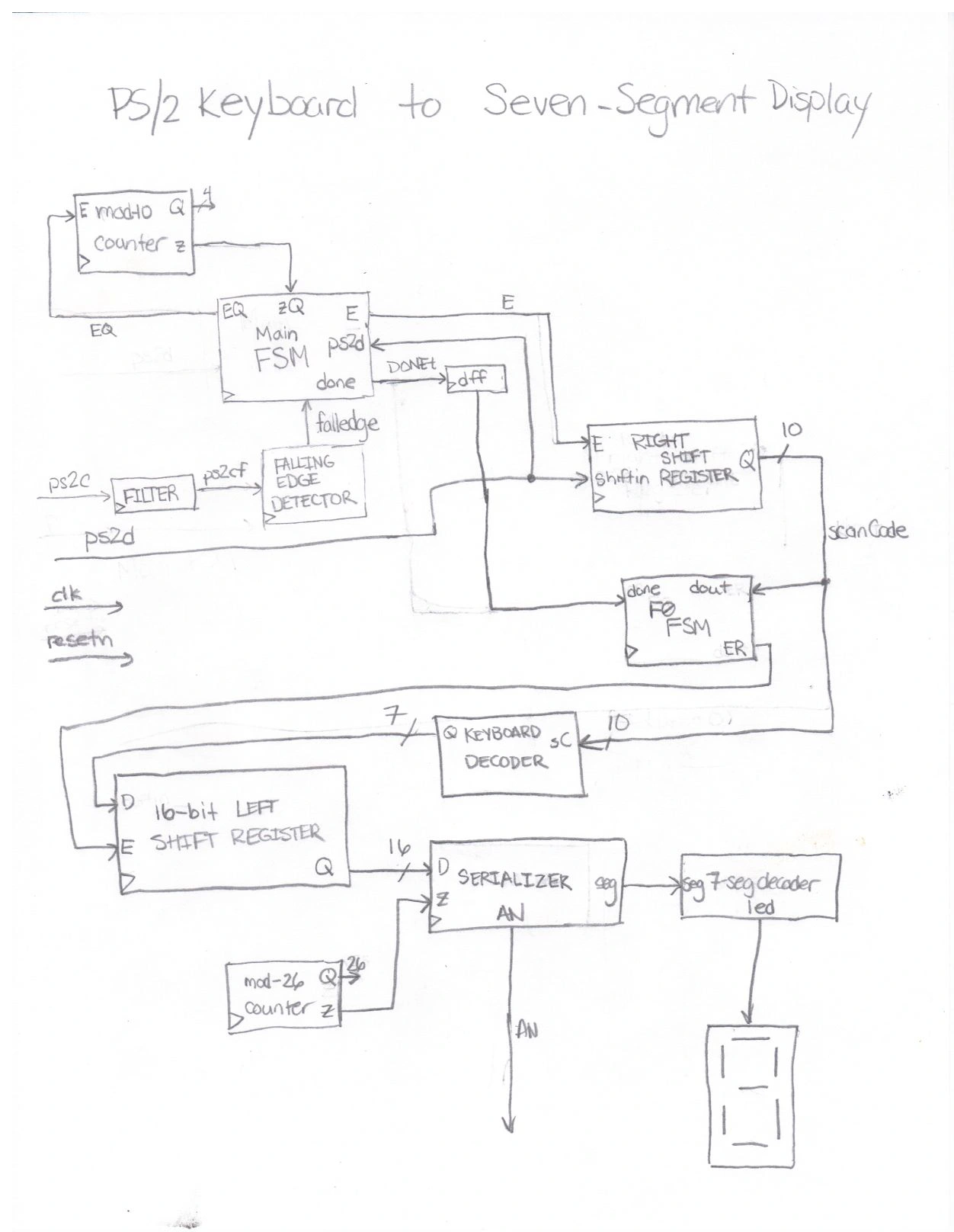
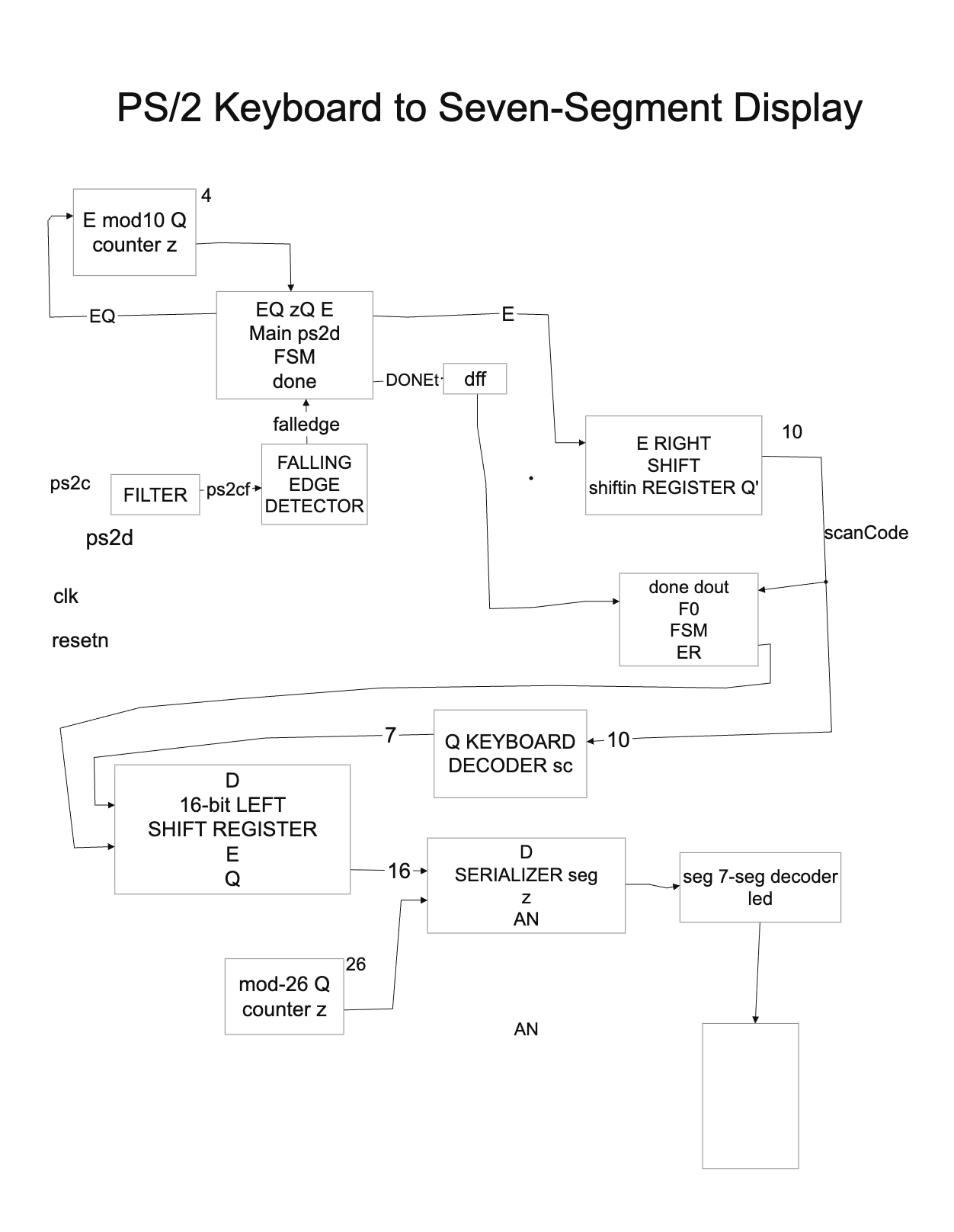
Recover a scanned diagram with input processing, state machines, registers, and output components.
Compare the diagram labels and signal paths with the image before sharing the system overview.
HOW IT WORKS
Conversion rebuilds the visible chart; it does not infer missing roles or connect to an HR system.
Matrix reporting, small labels, profile photos, and custom box designs may need cleanup.
Automatic org chart layout is not included.
WHAT THE CHART RECOVERY GIVES YOU
A readable chart makes the org structure easier to discuss.
Reconstruct the content visible in your image.
Missing roles and reporting decisions still need your input.
| Org chart detail | Inside the image | After review |
|---|---|---|
| Role names | The names are fixed within the chart image. | Review and edit recognized labels in individual boxes. |
| Reporting lines | The org relationships are visible but cannot be reconnected. | Inspect chart connections and adjust endpoints manually. |
| Team grouping | Departments occupy fixed areas in the image. | Move chart boxes to clarify the org view. |
| Employee records | The image is only a snapshot of the org. | The chart remains manually maintained, without HR synchronization. |
KEEP YOUR ORG STRUCTURE READABLE
The converter helps recover an existing chart from an image.
It does not decide your org structure or synchronize the chart with an employee database.
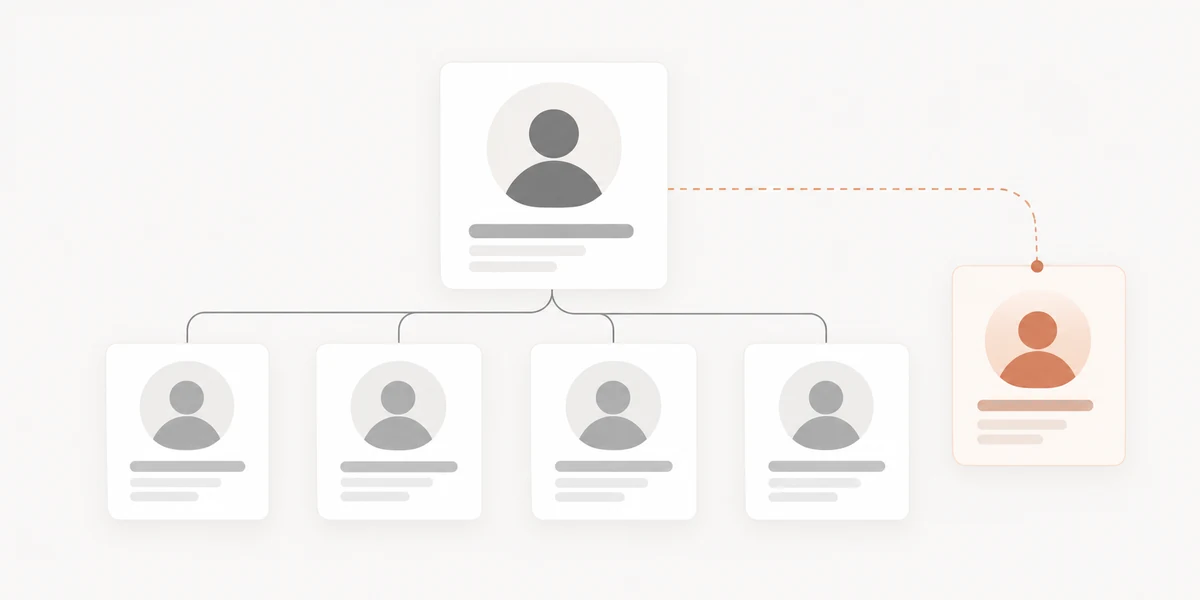
Your onboarding document contains an old team structure image.
Keep an editable org chart with the onboarding document.
A colleague shares an image of a proposed org chart.
Review a concrete org proposal rather than image annotations.

The team can find an org chart image but not the source.
Give the next chart update an editable starting point.
BEFORE SHARING THE ORG CHART
Compare the revised chart with an approved org reference image.
Recognition can recover visible labels.
Someone familiar with the team should still check the reporting structure.
Check small text in the image.
Confirm that a name or role has not moved into a neighboring org chart box.
Follow the org chart connection to the correct manager.
Review cross-team relationships separately rather than assuming every nearby box is connected.
Click Save before leaving the canvas.
Export the org chart as draw.io when a colleague needs to maintain it after your review.
Yes. Recognized names and role labels can be edited on the canvas. Check them against your source image.
Start with a chart image. Excel imports and employee-directory synchronization are not included.
Photos, dotted lines, and custom box designs may be simplified. Review the result against an approved chart.
Use PNG, JPG, or WebP up to 10 MB each. PDF input is not currently supported.
Yes. Sign in to upload, save, and revisit your diagrams. The editor runs in your browser.
Click Save before leaving. Export draw.io to keep editing, or SVG, PNG, or PDF for sharing.